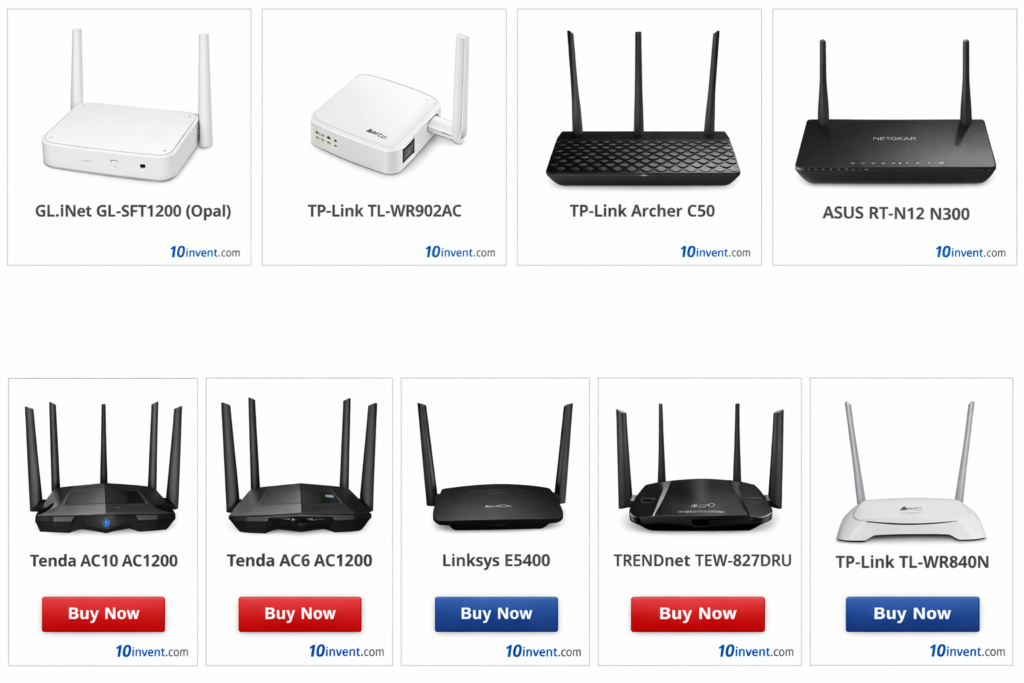

Choosing the right Wi-Fi router in the $50 to $100 price range is one of the smartest upgrades you can make for your home internet. This budget segment offers a perfect balance between performance and affordability, giving you access to faster speeds, stronger coverage, and modern features like dual-band Wi-Fi and even Wi-Fi 6 technology.
Whether you are working from home, streaming movies in HD or 4K, playing online games, or managing multiple smart devices, routers in this category are designed to handle everyday demands with ease. Compared to entry-level models, these routers provide better stability, improved range, and smoother performance when many devices are connected at once.
In this guide, we have carefully selected the Top 10 Best Wi-Fi Routers Under $50–$100 available on Amazon USA, based on features, reliability, and overall value for money. Below is a quick comparison box where you can instantly check our top picks and jump to the best deals.
🔥 Top 10 Wi-Fi Routers Under $50–$100 (Quick Picks)
✅ 1) TP-Link Archer AX21 (AX1800) Wi-Fi 6 Router
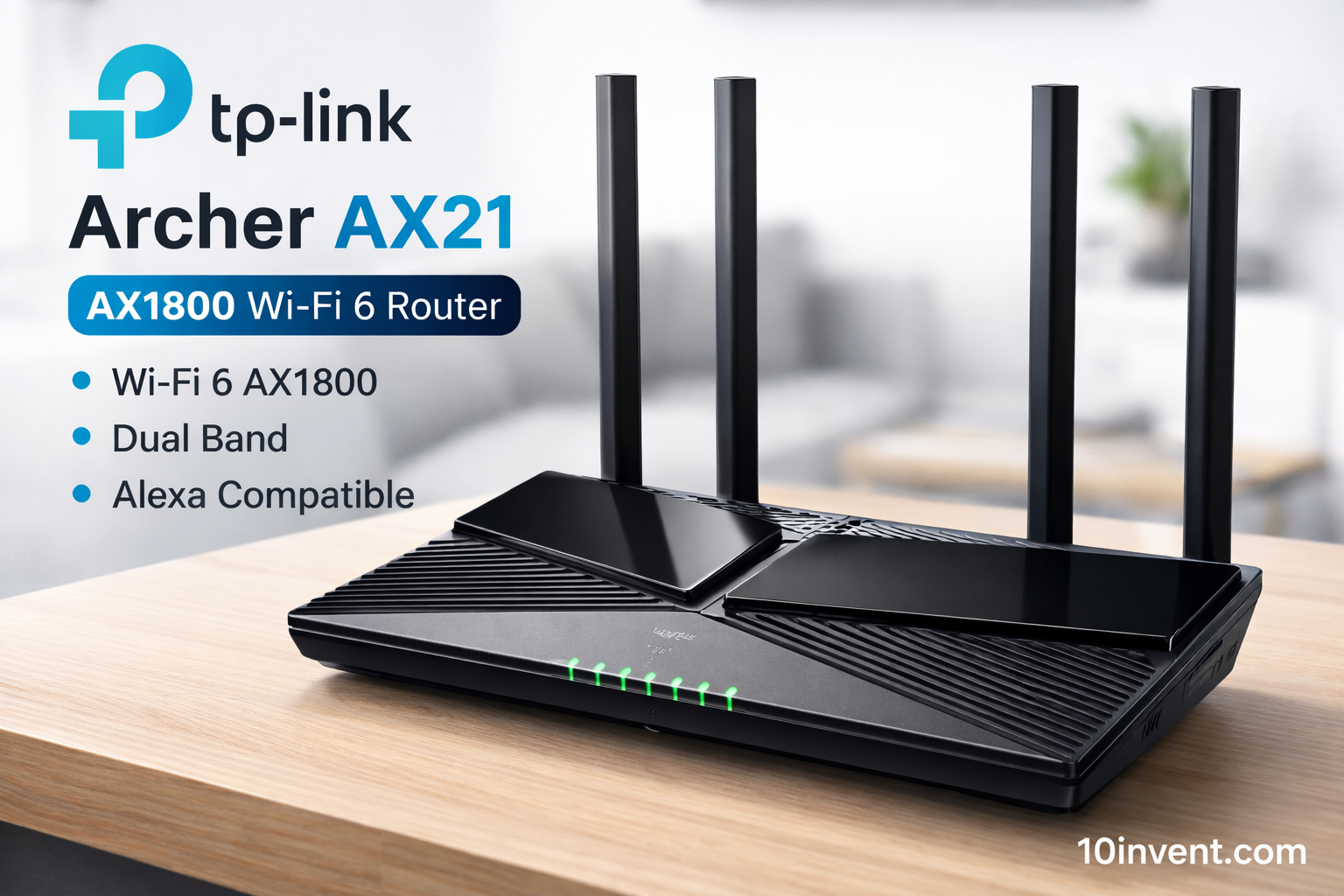
The TP-Link Archer AX21 is one of the best value Wi-Fi 6 routers you can buy under $100. It supports AX1800 speeds (574 Mbps on 2.4 GHz + 1201 Mbps on 5 GHz) and brings next-generation features like OFDMA and MU-MIMO, which help reduce congestion and handle multiple devices efficiently.
This router excels at streaming HD/4K video, video conferencing, online gaming, and keeping stable connections even when many devices are connected at once. The TP-Link Tether app makes setup simple for beginners.
✔️ Pros:
✔ Affordable Wi-Fi 6 performance
✔ Efficient with multiple devices
✔ Easy mobile setup
✔ Great coverage for small–medium homes
✔ Future-ready tech
❌ Cons:
❌ No USB port
❌ Basic physical design
❌ Not ideal for very large houses
Best for: Families and users who want faster, future-proof Wi-Fi with Wi-Fi 6.
✅ 2) NETGEAR R6700AX Nighthawk AX1800 Wi-Fi 6 Router
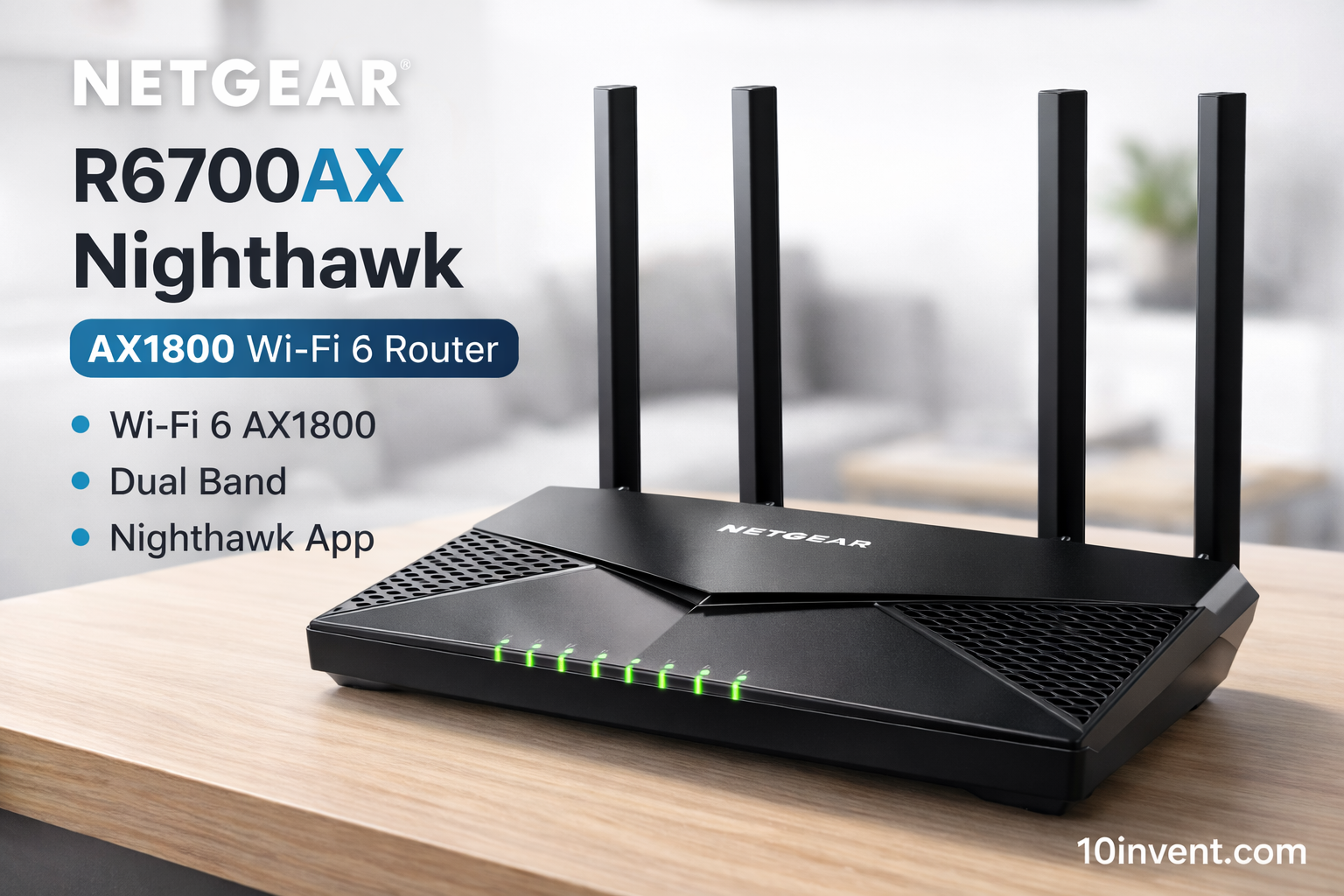
The NETGEAR R6700AX brings Nighthawk reliability into the Wi-Fi 6 world at an affordable price. It’s built with a strong internal processor, delivering AX1800 speeds and stable connections even under heavy use.
The router supports essential Wi-Fi 6 upgrades like OFDMA and MU-MIMO for better multi-device performance. It also offers advanced security features and a guest network. Setup and management are easy with the Nighthawk app.
✔️ Pros:
✔ Wi-Fi 6 with AX1800 performance
✔ Excellent stability under load
✔ Easy setup with intuitive app
✔ Trusted NETGEAR brand
❌ Cons:
❌ App login required for some settings
❌ Slightly pricier than similar models
❌ Coverage average for large homes
Best for: Users who want reliable Wi-Fi 6 performance with simple controls and solid brand backing.
✅ 3) TP-Link Archer A7 AC1750 Dual-Band Router
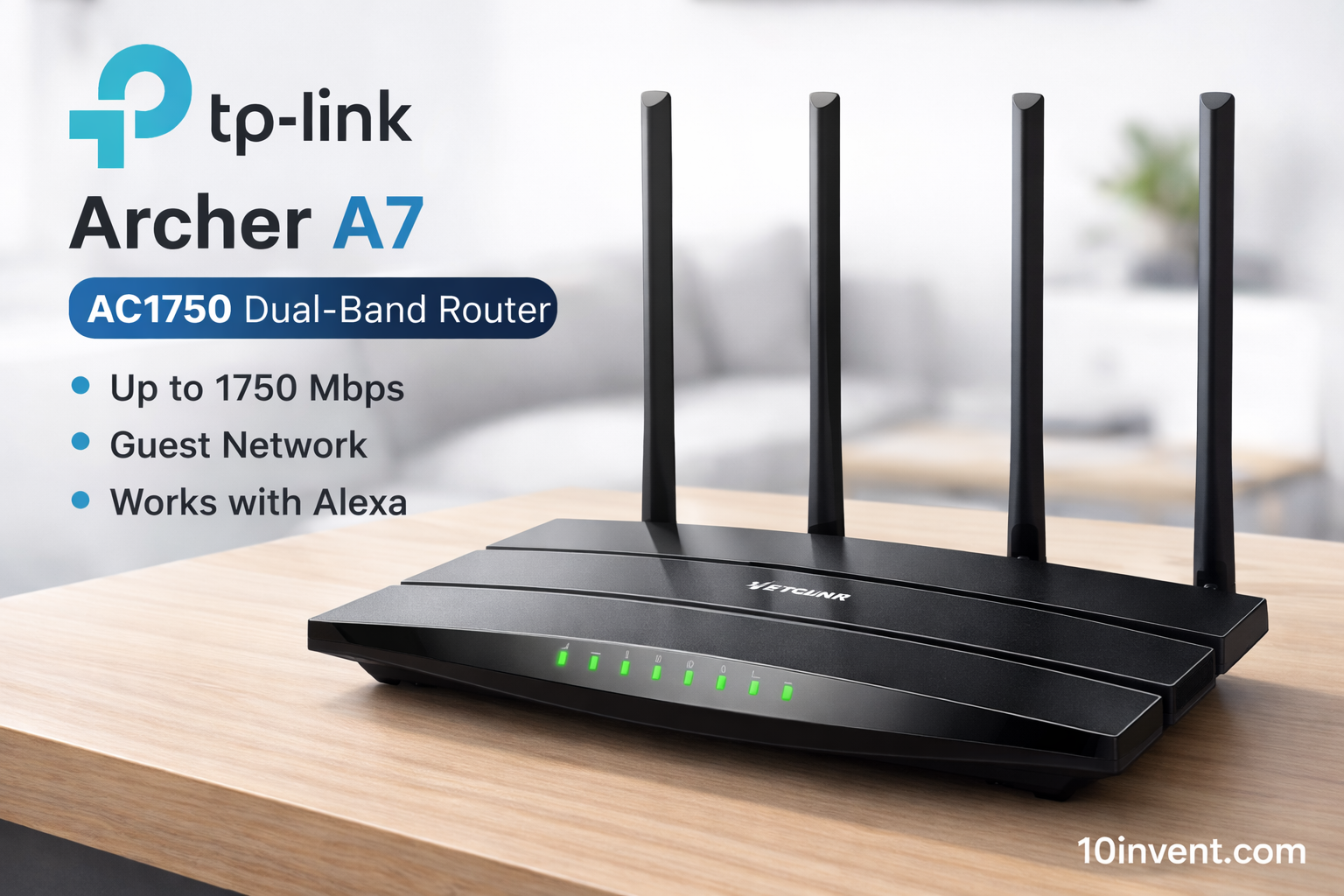
Even though it’s a Wi-Fi 5 (AC1750) router, the TP-Link Archer A7 remains a top choice in the $50–$100 range thanks to its balance of performance, stability, and price.
It offers up to 450 Mbps on 2.4 GHz and 1300 Mbps on 5 GHz, which is more than enough for HD/4K streaming, web browsing, gaming, and everyday internet use. It also supports guest networks, parental controls, and voice assistant compatibility (Alexa).
✔️ Pros:
✔ Proven performance and wide coverage
✔ Strong reliability and brand reputation
✔ Easy to set up
✔ Works with Alexa voice commands
❌ Cons:
❌ No Wi-Fi 6 support
❌ Slightly older tech
❌ Bulky design
Best for: Users who want long-term reliability and fast performance without needing the newest technology.
If you’re on a tighter budget and want excellent routers under $50, check this out:
👉 https://10invent.com/top-10-best-budget-wi-fi-routers-under-30-50/
This guide covers budget-friendly routers that are perfect for basic use and apartments.
✅ 4) ASUS RT-AC66U B1 AC1750 Dual-Band Router
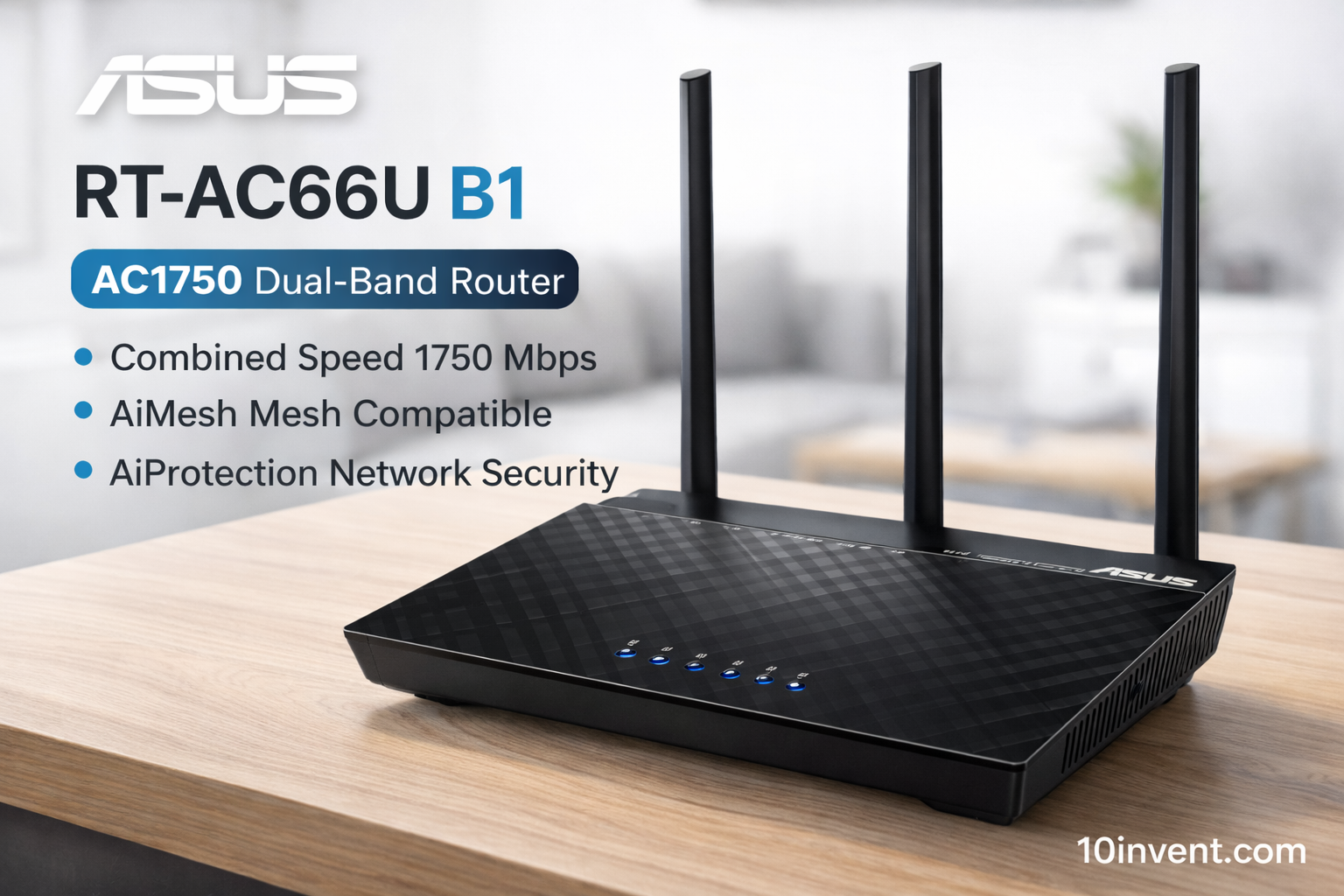
The ASUS RT-AC66U B1 is a long-lasting favorite among budget-friendly routers that still deliver strong performance. It’s an AC1750 Dual-Band router, meaning it supports combined speeds up to 450 Mbps on the 2.4 GHz band and 1300 Mbps on the 5 GHz band.
What sets this model apart is ASUS’s AiMesh compatibility and built-in AiProtection security (powered by Trend Micro). AiMesh allows you to link multiple ASUS routers to create a whole-home mesh network later — a big advantage if you plan to expand your Wi-Fi coverage in the future.
Real-World Performance:
In everyday use, this router handles multiple HD video streams, fast web browsing, and online gaming with ease. Its dual-band setup ensures that bandwidth-heavy tasks stay on the 5 GHz channel while older or low-power devices use the 2.4 GHz channel.
✔️ Pros:
✔ Good range and stable performance
✔ AiMesh support for future expansion
✔ Built-in network security features
✔ Great for multi-device homes
✔ Easy setup and management
❌ Cons:
❌ No Wi-Fi 6 support
❌ Firmware interface slightly older design
❌ Performance not as high as newer models
Best for:
Users who want a reliable, feature-rich router with advanced security and future-expandable mesh support.
✅ 5) Linksys EA7500 AC1900 Dual-Band Router
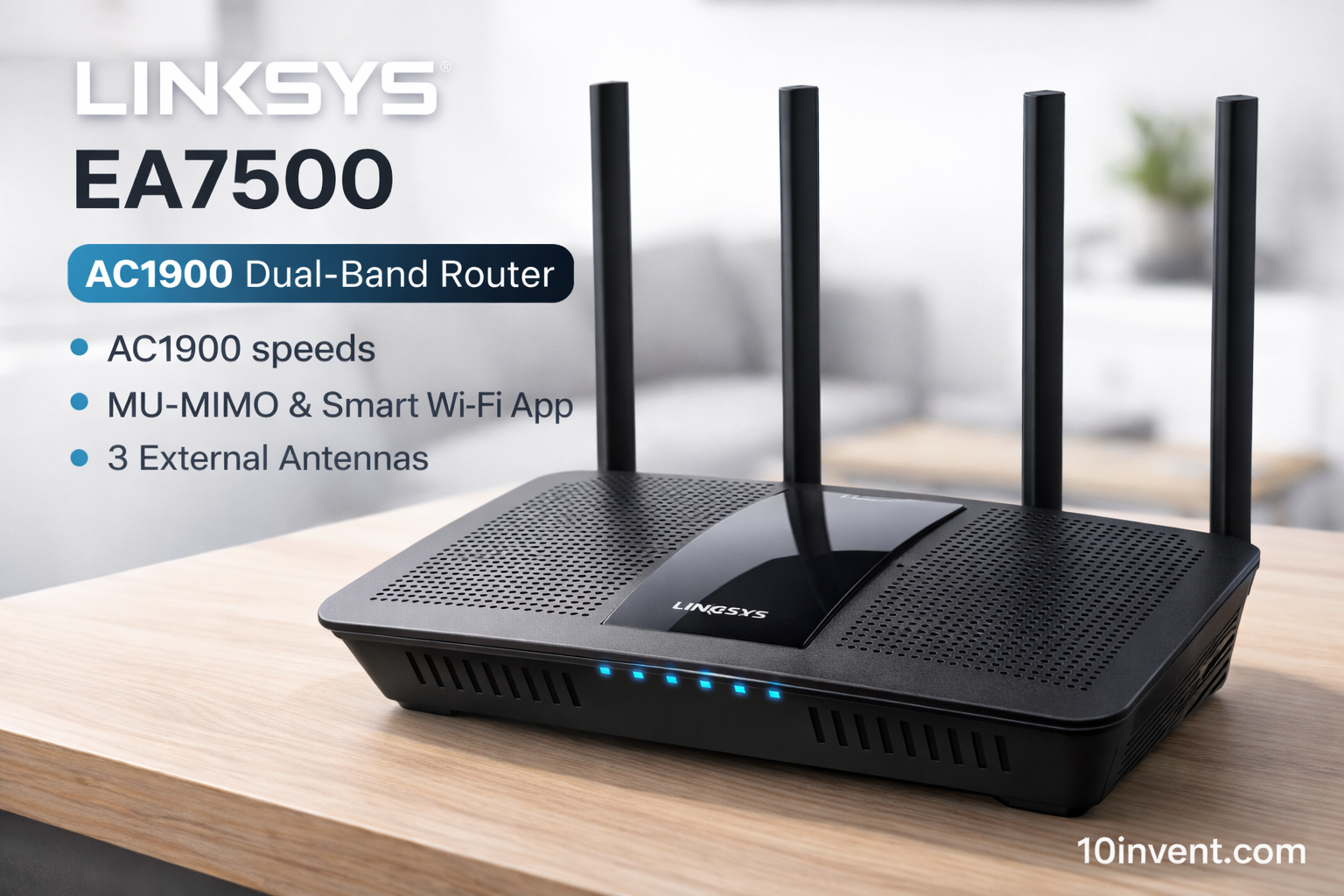
The Linksys EA7500 is one of the faster Wi-Fi 5 routers you’ll find in the $50–$100 range. With AC1900 speeds, it offers up to 600 Mbps on 2.4 GHz and 1300 Mbps on 5 GHz, making it ideal for busy homes where many devices are online simultaneously.
This router also supports MU-MIMO technology, which lets multiple devices communicate with the router at the same time — instead of sequentially — for faster overall throughput.
Real-World Performance:
In practical home use, the EA7500 provides solid coverage across multiple rooms and supports streaming on several devices at once without buffering or lag. It’s also easy to manage through the Linksys Smart Wi-Fi app, which gives control over parental settings, guest access, and network priorities.
✔️ Pros:
✔ High AC1900 speeds
✔ MU-MIMO for better multi-device handling
✔ Easy app setup and network control
✔ Good coverage for small to medium homes
❌ Cons:
❌ Slightly outdated compared to Wi-Fi 6 models
❌ No advanced app features like gaming QoS
❌ Range can drop off in larger homes
Best for:
Families and users who need faster wireless speeds and consistent performance across many devices.
✅ 6) TP-Link Archer AX10 (AX1500) Wi-Fi 6 Router
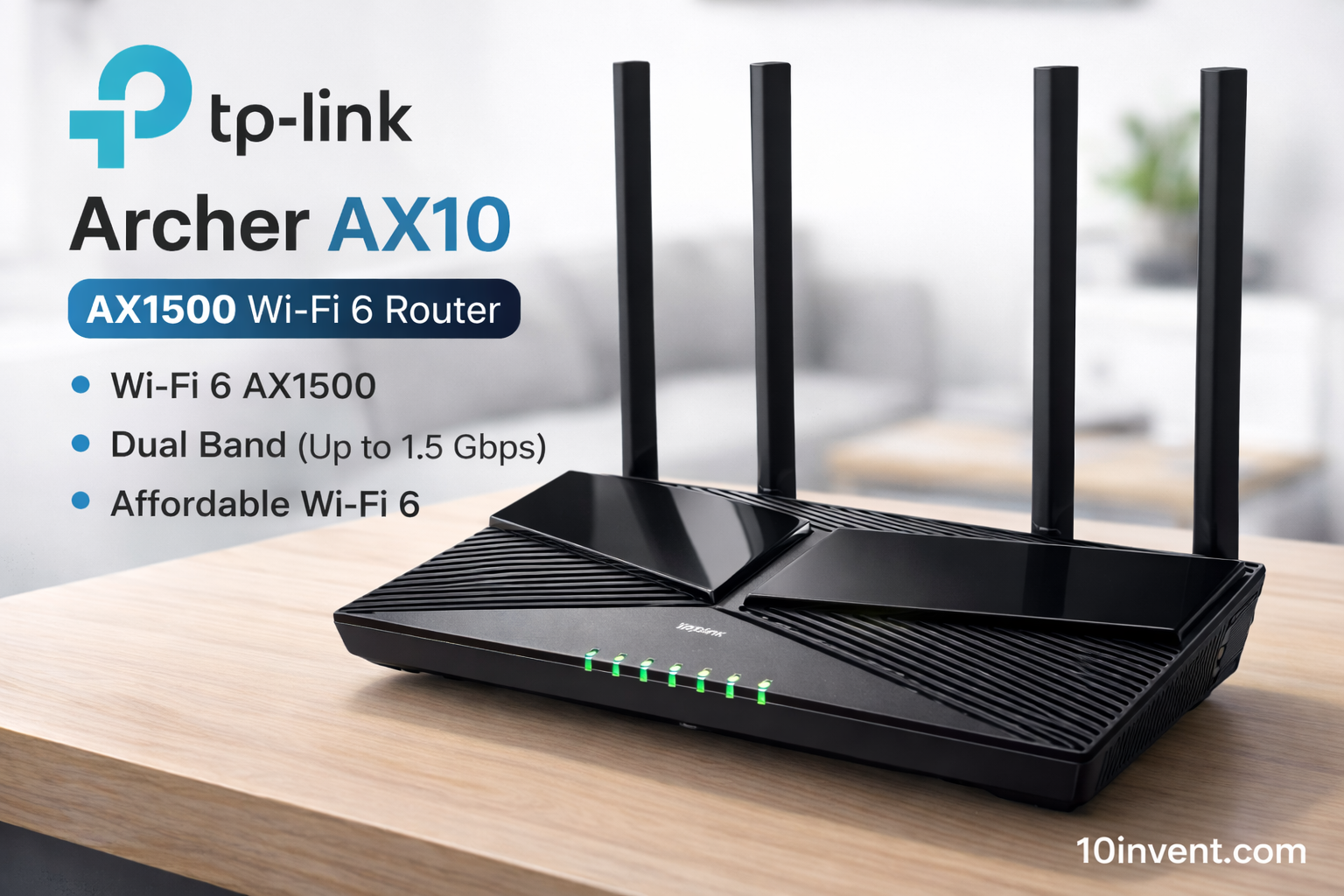
If your priority is speed and future-proofing, the TP-Link Archer AX10 is a highly recommended entry-level Wi-Fi 6 router in this price segment. With AX1500 speeds, it delivers surprisingly strong real-world performance, even if it’s not as fast as flagship Wi-Fi 6 models.
The AX10 supports modern Wi-Fi 6 enhancements such as OFDMA, 1024-QAM, and Target Wake Time (TWT), which help with network efficiency, especially when many smart devices are connected.
Real-World Performance:
For typical homes, the AX10 delivers better performance than most older dual-band routers. It gives smoother high-definition streaming, faster device connections, and noticeably improved responsiveness compared to non-Wi-Fi 6 models.
✔️ Pros:
✔ Affordable entry into Wi-Fi 6
✔ Better network efficiency and speeds
✔ Good for multiple devices
✔ Easy mobile app setup
❌ Cons:
❌ Coverage is moderate — not huge
❌ No USB port
❌ Not as feature-rich as higher-end Wi-Fi 6 routers
Best for:
Users who want a Wi-Fi 6 upgrade at a budget-friendly price.
✅ 7) D-Link DIR-X1560 AX1500 Wi-Fi 6 Router
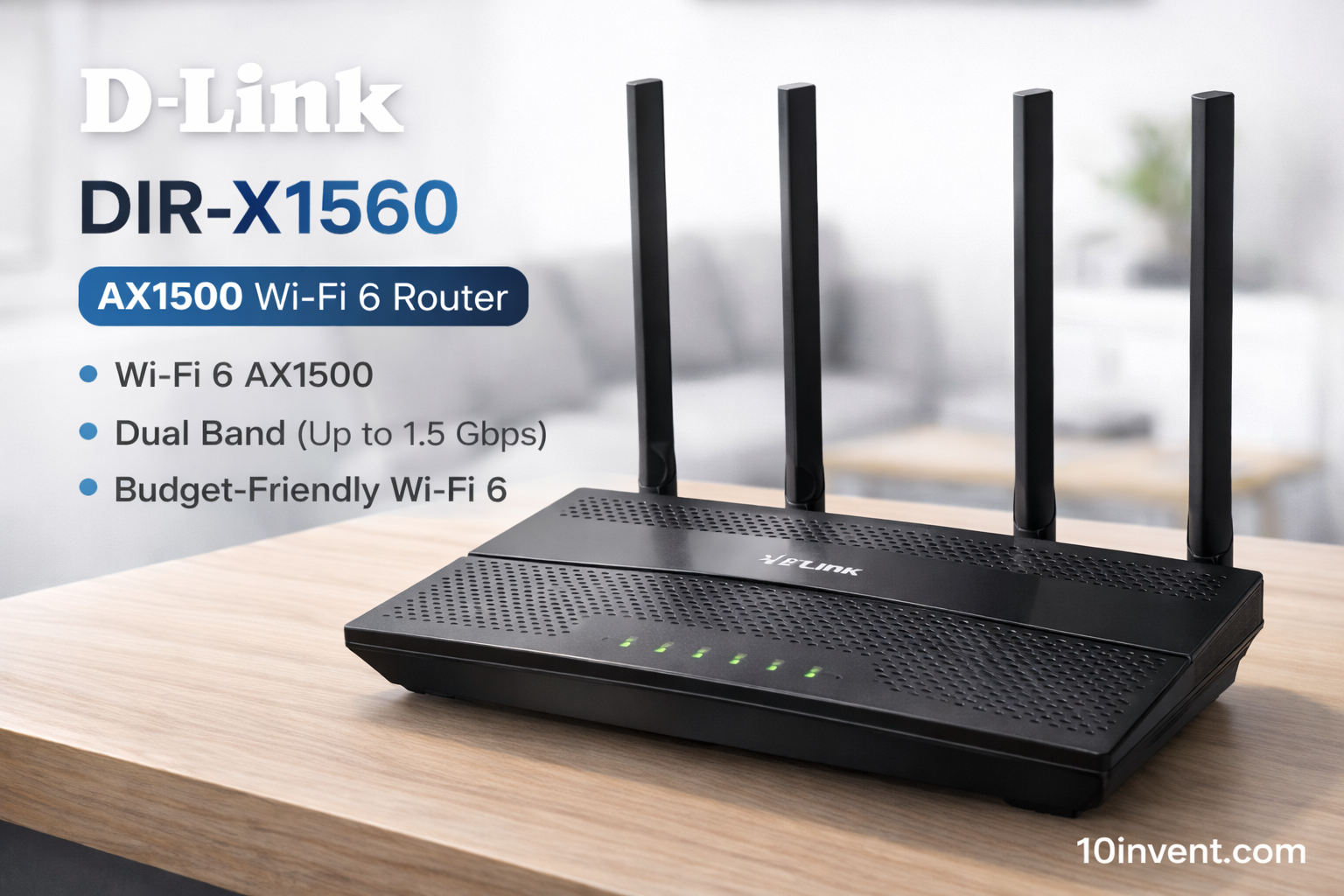
The D-Link DIR-X1560 is a solid budget-friendly Wi-Fi 6 router that delivers efficient performance and modern features at a reasonable price. With AX1500 speeds, it provides faster throughput and better network efficiency compared to traditional Wi-Fi 5 routers.
It supports modern Wi-Fi 6 enhancements like OFDMA and MU-MIMO, which help distribute data more effectively across multiple devices at the same time. This makes the DIR-X1560 a great choice for homes with several connected gadgets — from smartphones and laptops to smart TVs and IoT devices.
Real-World Use:
In practical home usage, the DIR-X1560 delivers smooth HD streaming, responsive gaming, and consistent video calls. Its performance is quite noticeable compared to older dual-band routers, especially when multiple devices are active.
✔️ Pros:
✔ Good next-generation Wi-Fi 6 performance
✔ Efficient multi-device handling
✔ WPA3 security support
✔ Great price vs features
❌ Cons:
❌ Coverage moderate for large homes
❌ No USB port
❌ Lacks advanced parental control on the app
Best for:
Users who want modern Wi-Fi 6 performance without paying for a premium router.
✅ 8) TP-Link Archer A8 AC1900 Dual-Band Router
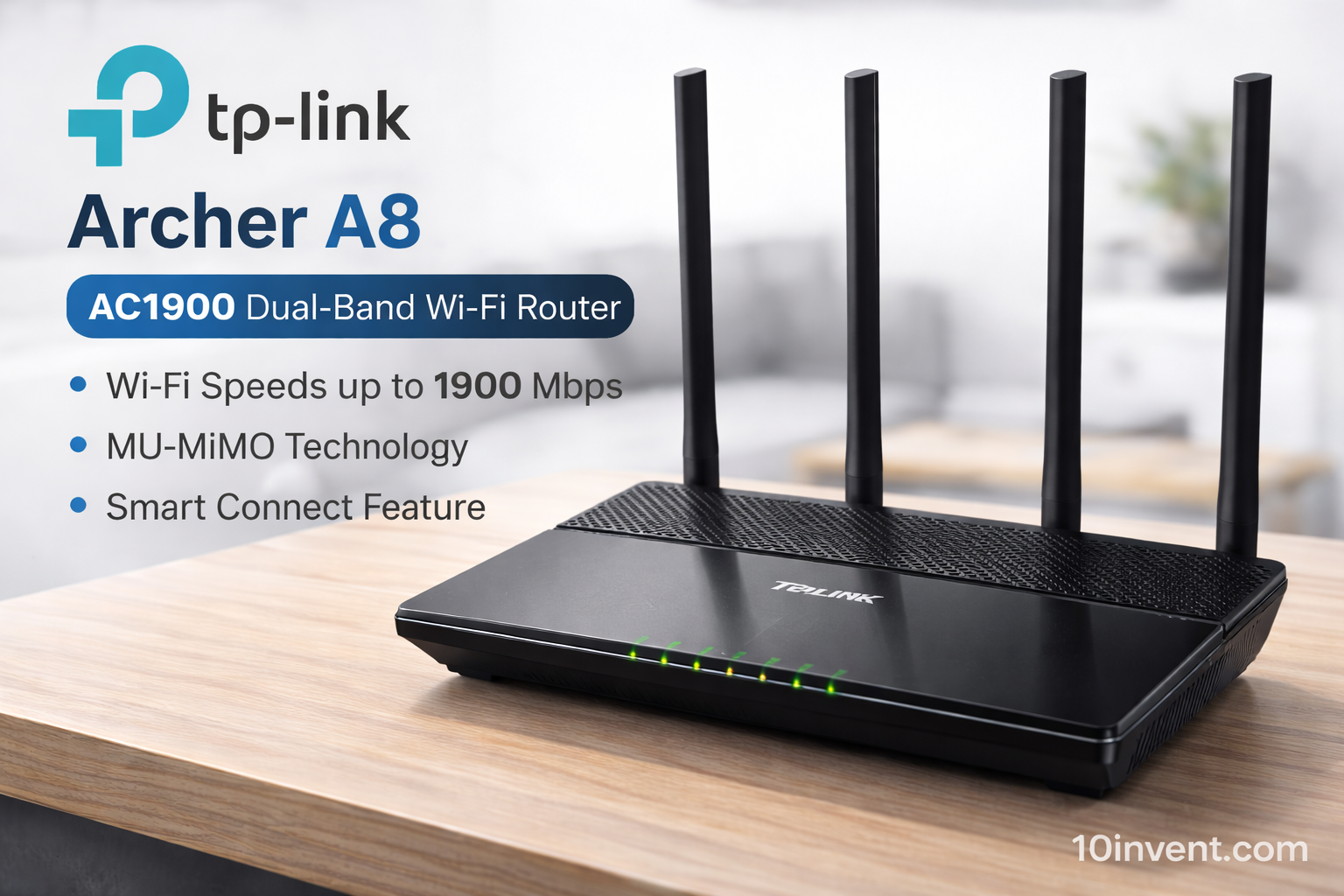
The TP-Link Archer A8 is a widely recommended AC1900 router in the $60–$90 range. It offers fast dual-band speeds (600 Mbps on 2.4 GHz + 1300 Mbps on 5 GHz) and strong coverage for small to medium homes.
With four external antennas and beamforming technology, the Archer A8 ensures a stable connection over a wider range than basic routers. It also includes features like TP-Link HomeCare, which adds antivirus, parental controls, and QoS (Quality of Service) — features usually found in more expensive routers.
Real-World Performance:
The Archer A8 performs well in households with several users streaming, working, or gaming simultaneously. The HomeCare suite helps prioritize traffic and secure your network from common threats.
✔️ Pros:
✔ Fast AC1900 speeds
✔ Better range with beamforming
✔ Integrated HomeCare (security & parental tools)
✔ Easy setup with Tether app
❌ Cons:
❌ Security suite may require subscription for advanced features
❌ Not Wi-Fi 6
❌ Slightly bulky design
Best for:
Families or shared apartments needing reliable high-speed Wi-Fi with additional security tools.
✅ 9) ASUS RT-ACRH13 AC1300 Dual-Band Router
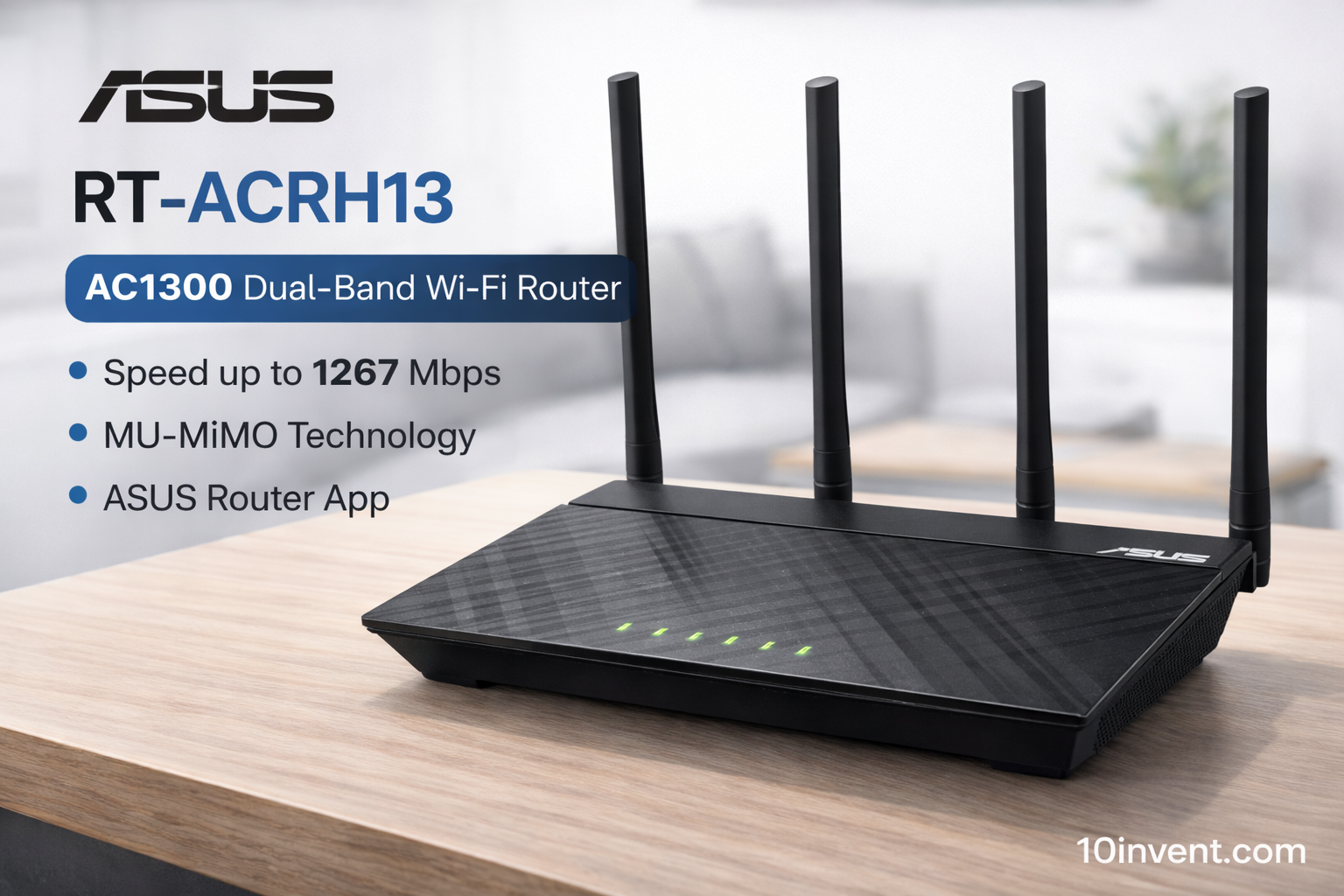
The ASUS RT-ACRH13 is a strong choice in the mid-range router market with its AC1300 dual-band performance. It supports up to 400 Mbps on 2.4 GHz and 867 Mbps on 5 GHz, which is enough for everyday streaming, online classes, medium-sized homes, and multiple devices.
One of the key advantages of this router is ASUS’s user-friendly interface and reliable firmware. It supports AiMesh, which means you can integrate it later into an ASUS mesh Wi-Fi system if needed.
Real-World Performance:
In real usage, the RT-ACRH13 offers smooth HD streaming, video calls, and gaming without hiccups. The dual-band design helps devices connect to the best frequency automatically based on speed and congestion.
✔️ Pros:
✔ Reliable ASUS firmware
✔ Supports AiMesh expansion
✔ Good day-to-day performance
✔ Simple setup and management
❌ Cons:
❌ Not as fast as higher-end AC1900/AX routers
❌ Limited advanced controls
❌ No USB support
Best for:
Users who want stable mid-range performance with the possibility to expand into a mesh network later.
✅ 10) Linksys MR7350 AX1800 Mesh-Ready Wi-Fi 6 Router
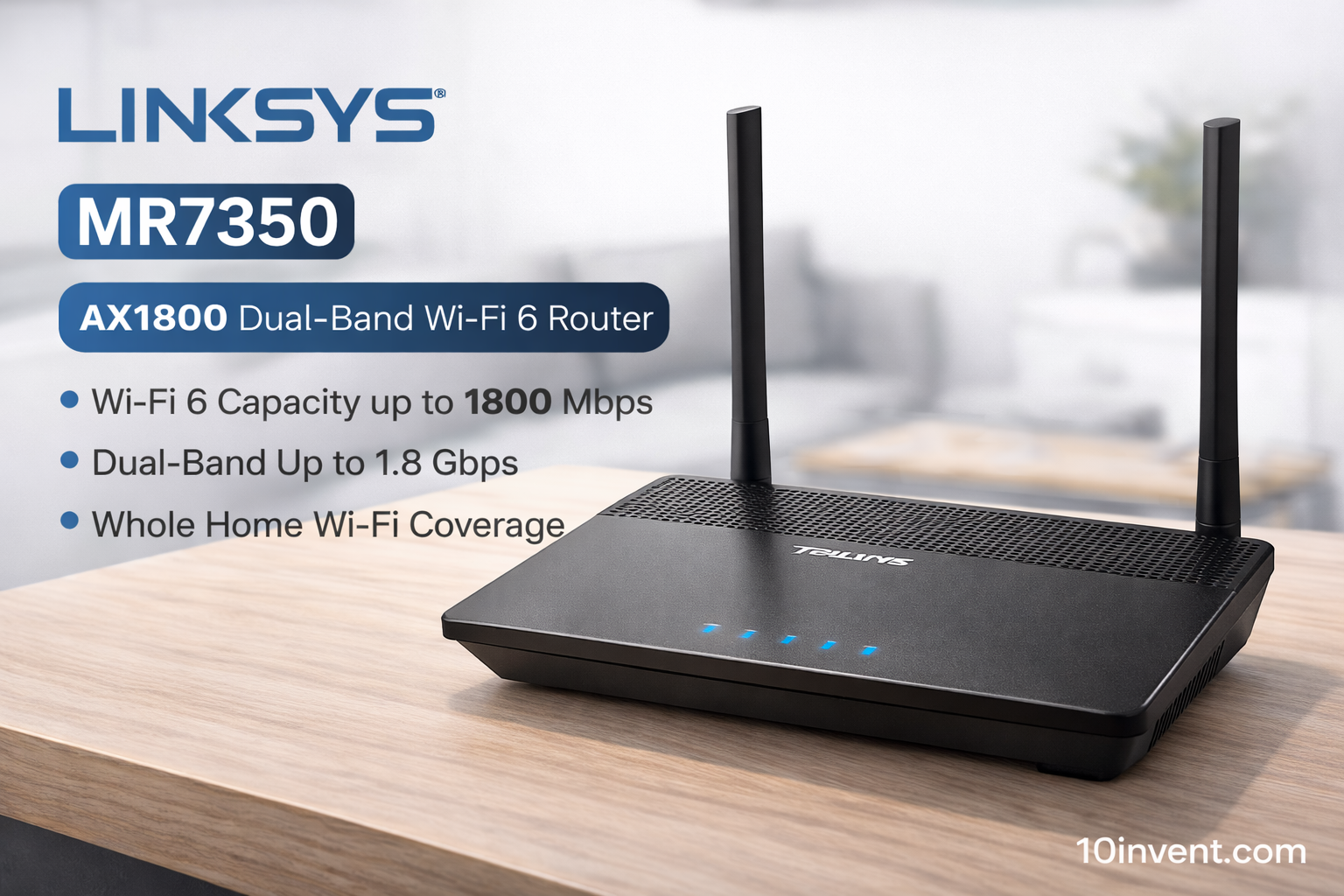
The Linksys MR7350 is one of the few mesh-ready, affordable Wi-Fi 6 routers in the $80–$100 range. It delivers AX1800 speeds and can be part of Linksys’s mesh system if you ever decide to expand coverage later.
This router uses Intelligent Mesh Technology, which helps keep your devices connected smoothly across multiple units. Even as a standalone router, it performs very well for everyday use — streaming, gaming, cloud work, and more.
Real-World Performance:
Users report stable coverage throughout large apartments and homes, with fewer dead zones and good speeds on both 2.4 GHz and 5 GHz bands. The Linksys app also makes setup and network management very intuitive.
✔️ Pros:
✔ Strong AX1800 Wi-Fi 6 performance
✔ Mesh-ready capability
✔ Good coverage for mid-size homes
✔ Easy smartphone app controls
❌ Cons:
❌ Slightly higher price in this range
❌ Advanced mesh features need extra units
❌ Limited advanced controls without app
Best for:
Users who want a Wi-Fi 6 router that can grow into a mesh system later.
📊 Comparison Chart – Best Wi-Fi Routers Under $50–$100
| Router Model | Wi-Fi Standard | Speed Class | Coverage | Best For |
|---|---|---|---|---|
| TP-Link Archer AX21 | Wi-Fi 6 (AX1800) | High | Good | Overall performance & future-proofing |
| NETGEAR R6700AX | Wi-Fi 6 (AX1800) | High | Good | Stability & trusted brand |
| TP-Link Archer A7 | Wi-Fi 5 (AC1750) | Medium | Good | Reliable everyday home use |
| ASUS RT-AC66U B1 | Wi-Fi 5 (AC1750) | Medium | Very Good | Security & mesh expandability |
| Linksys EA7500 | Wi-Fi 5 (AC1900) | High | Good | Multi-device households |
| TP-Link Archer AX10 | Wi-Fi 6 (AX1500) | Medium | Moderate | Budget Wi-Fi 6 upgrade |
| D-Link DIR-X1560 | Wi-Fi 6 (AX1500) | Medium | Moderate | Entry-level Wi-Fi 6 users |
| TP-Link Archer A8 | Wi-Fi 5 (AC1900) | High | Good | Streaming & family use |
| ASUS RT-ACRH13 | Wi-Fi 5 (AC1300) | Medium | Moderate | Stable mid-range performance |
| Linksys MR7350 | Wi-Fi 6 (AX1800) | High | Very Good | Mesh-ready & larger homes |
🏁 Final Verdict
If you are shopping for a Wi-Fi router in the $50 to $100 range, this category offers the best balance between price and performance for most homes. Among all the options, the TP-Link Archer AX21 clearly stands out as the best overall choice because it combines affordable pricing with modern Wi-Fi 6 technology, strong speeds, and reliable multi-device handling, making it ideal for families, remote work, streaming, and future upgrades. However, if you prefer a trusted brand, the NETGEAR R6700AX is an excellent alternative, while users who don’t need Wi-Fi 6 can still rely on proven models like the TP-Link Archer A7 or Linksys EA7500 for stable everyday performance. Overall, choosing any router from this list will give you a noticeable upgrade over basic models and ensure faster, more reliable internet for years to come.