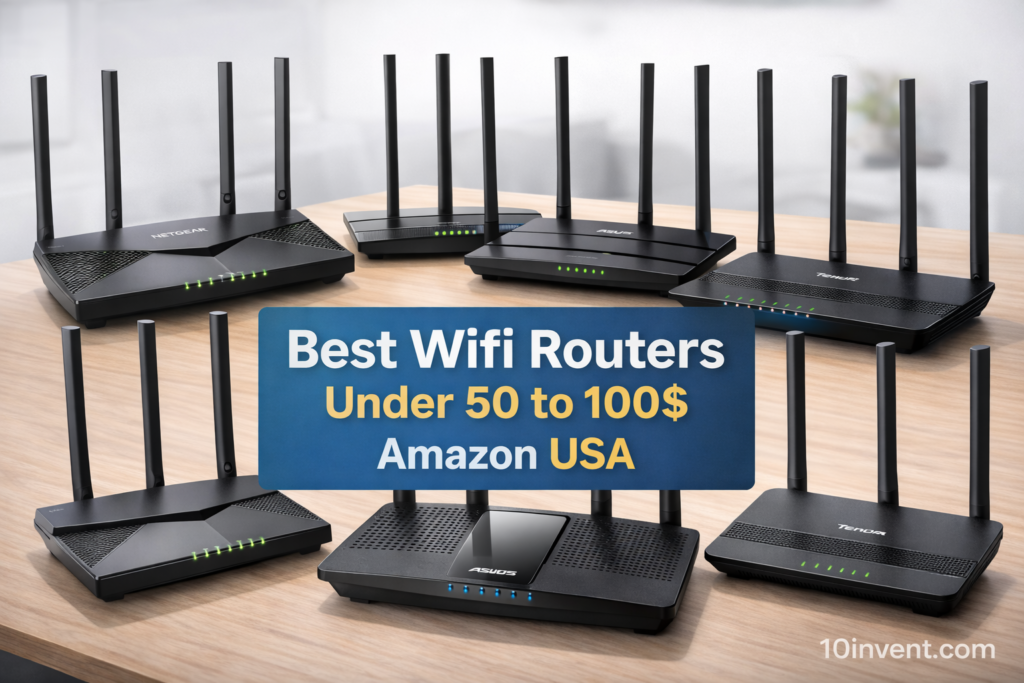
Choosing the right Wi-Fi router on a tight budget can be confusing, especially when there are hundreds of options on Amazon. Many people think that cheap routers are slow and unreliable, but that’s not always true. In the $30 to $50 price range, you can now find several routers that deliver solid performance for everyday use such as web browsing, YouTube, Netflix streaming, online classes, video calls, and even light gaming.
This guide is specially created for users who want the best value for money without paying premium prices. Whether you live in a small apartment, a dorm room, or just need a simple home network for your family, the routers in this list are carefully selected based on features, performance, reliability, and user popularity on Amazon USA.
We have reviewed each router in detail and picked the top 10 budget Wi-Fi routers under $50 that offer the right balance between speed, coverage, and price. Our goal is to help you save time and choose a router that actually fits your needs.
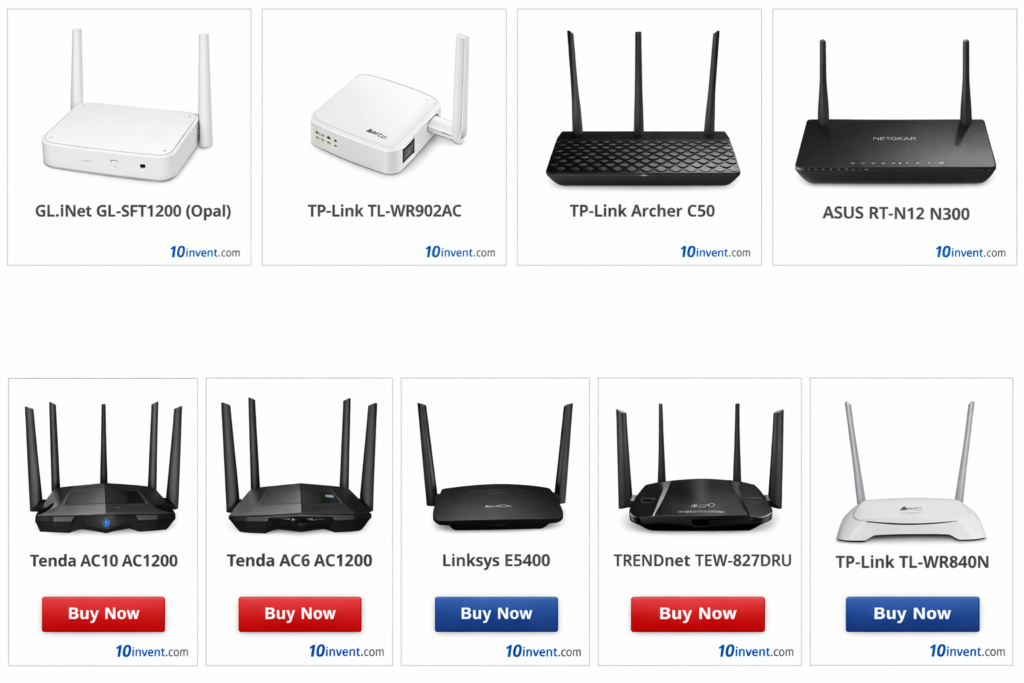
Below is a quick comparison box where you can see all 10 routers at a glance and directly check their latest prices on Amazon.
🔥 Top 10 Budget Wi-Fi Routers Under $30–$50 (Quick Picks)
✅ 1) GL.iNet GL-SFT1200 (Opal) AC1200 Dual-Band Router
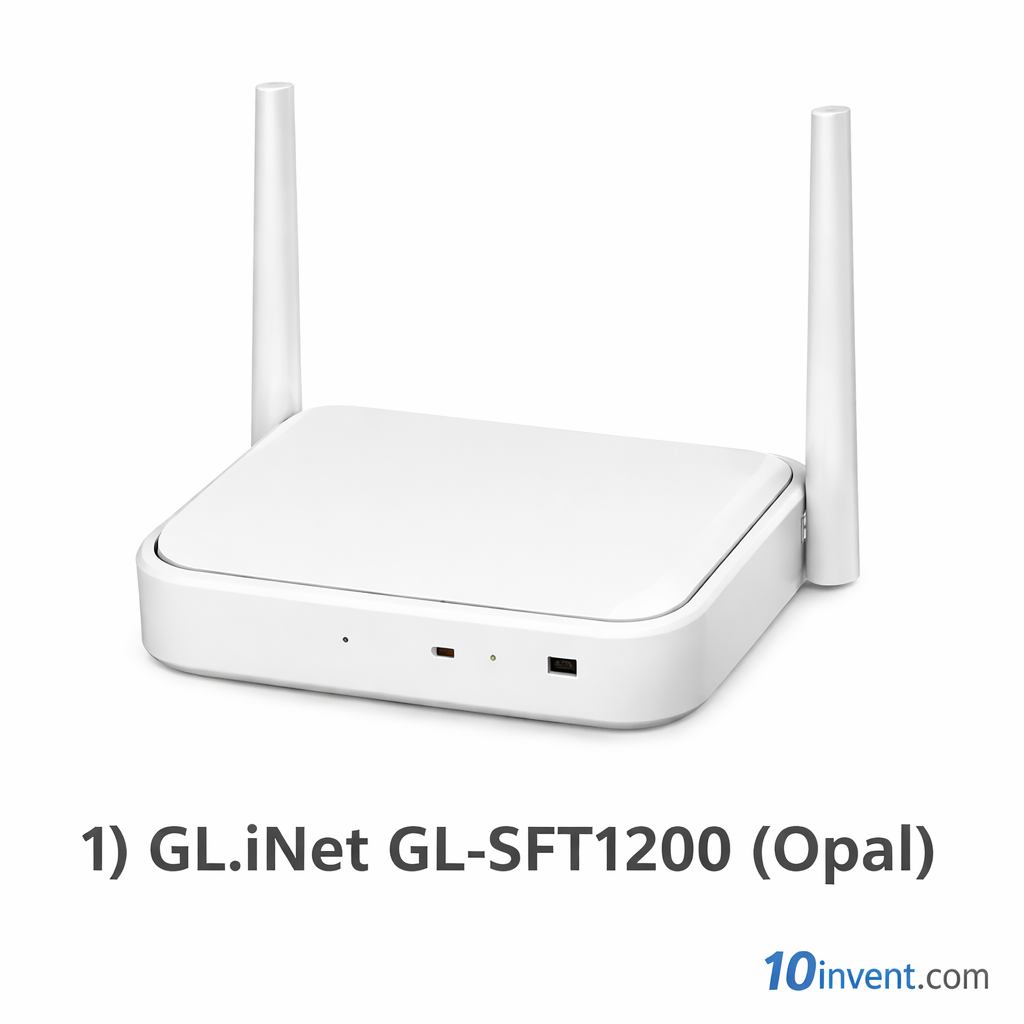
The GL.iNet Opal (GL-SFT1200) is one of the most powerful routers you can find under $50. While it’s marketed as a travel router, its hardware and features make it strong enough to serve as a main router for small apartments, dorm rooms, and studio homes.
This router supports AC1200 dual-band Wi-Fi, meaning up to 300 Mbps on 2.4GHz and 867 Mbps on 5GHz. That’s more than enough for HD streaming, fast downloads, video calls, and smooth browsing. What really sets Opal apart is its built-in VPN support. It can run OpenVPN and WireGuard directly on the router, protecting every connected device — a feature rarely seen in this price range.
The Opal comes with a decent processor and enough RAM to manage multiple connections without slowing down. It also offers advanced features like ad-blocking, custom DNS, guest networks, and even basic firewall controls. Power users will love how customizable it is.
Real-world performance:
In daily use, the Opal feels fast and stable. You can easily stream Netflix or YouTube in HD on multiple devices, attend Zoom meetings, and browse social media at the same time. The 5GHz band provides excellent speed in close range, while the 2.4GHz band gives wider coverage. It’s ideal for 1–2 rooms and can handle around 8–10 devices comfortably.
✔️ Pros:
✔️ Powerful AC1200 dual-band speed
✔️ Built-in VPN (OpenVPN & WireGuard)
✔️ Advanced security and privacy features
✔️ Very compact and portable design
✔️ Great value for tech-savvy users
✔️ Stable firmware with frequent updates
❌ Cons:
❌ Coverage is limited for large houses
❌ No external antennas to boost range
❌ Interface may feel complex for beginners
Best for:
Users who want strong performance, privacy, and advanced features in a small space — perfect for students, travelers, and anyone who values secure internet.
✅ 2) TP-Link TL-WR902AC AC750 Wireless Travel Router
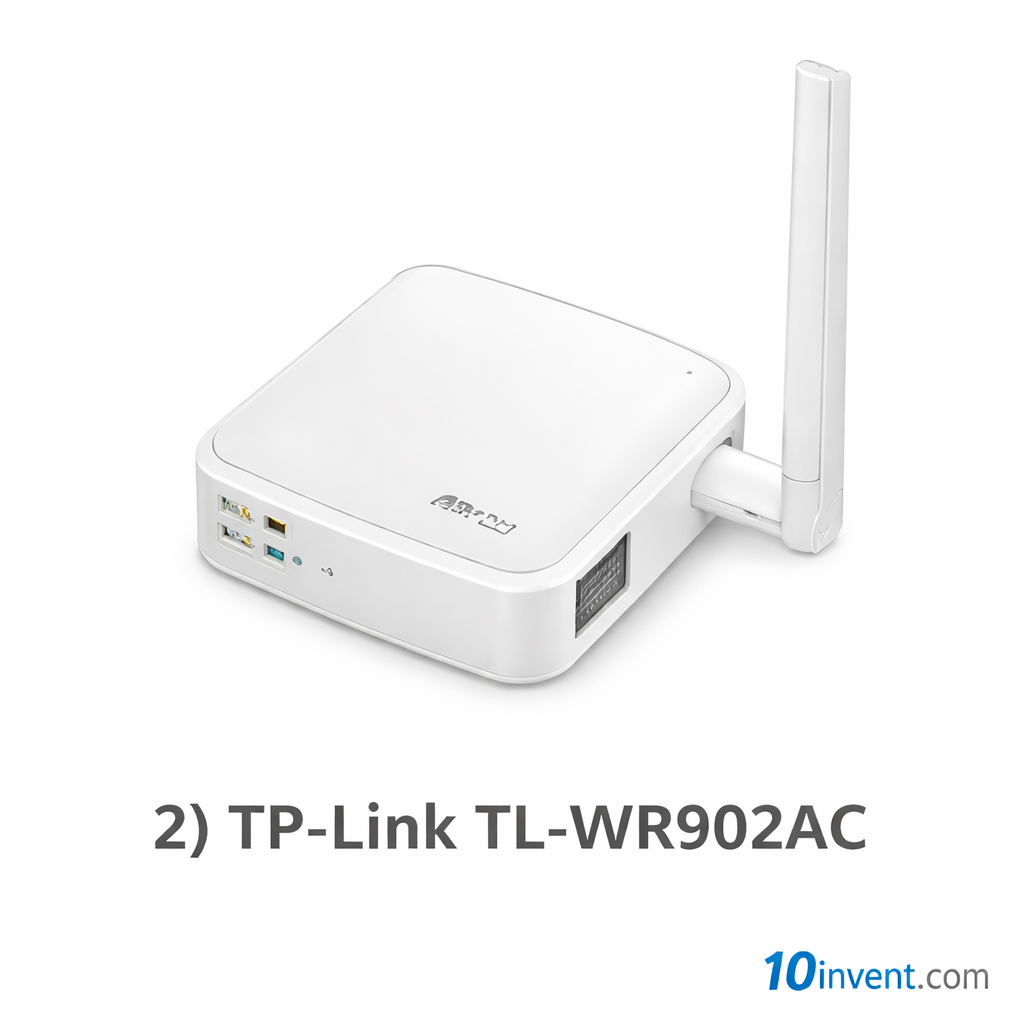
The TP-Link TL-WR902AC is one of the most popular mini routers on Amazon, and it’s easy to see why. It’s affordable, ultra-compact, and very easy to set up, making it ideal for beginners and travelers who want their own Wi-Fi network anywhere.
This router supports dual-band AC750 speeds, offering up to 300 Mbps on 2.4GHz and 433 Mbps on 5GHz. While it’s not as fast as AC1200 models, it still delivers smooth performance for everyday tasks like browsing, video streaming, and online classes.
One of its biggest strengths is its multi-mode support. It can work as a router, access point, range extender, client, or hotspot. That flexibility means you can use it in hotels, hostels, offices, or at home with ease. The TP-Link Tether app makes setup and management extremely simple.
Real-world performance:
For one room or a small apartment, the TL-WR902AC performs very well. It handles HD YouTube, Netflix, social media, and Zoom calls smoothly. However, because of its size, the coverage is limited and not suitable for larger spaces or many users.
✔️ Pros:
✔️ Dual-band Wi-Fi in a tiny body
✔️ Very easy setup with mobile app
✔️ Multiple operating modes
✔️ Highly portable and lightweight
✔️ Reliable TP-Link quality
✔️ Affordable price
❌ Cons:
❌ Limited coverage range
❌ Lower speed than AC1200 routers
❌ Not suitable for heavy gaming or many devices
Best for:
Travelers, students, and light home users who want simple dual-band Wi-Fi in a compact form.
✅ 3) TP-Link Archer C50 AC1200 Dual-Band Router
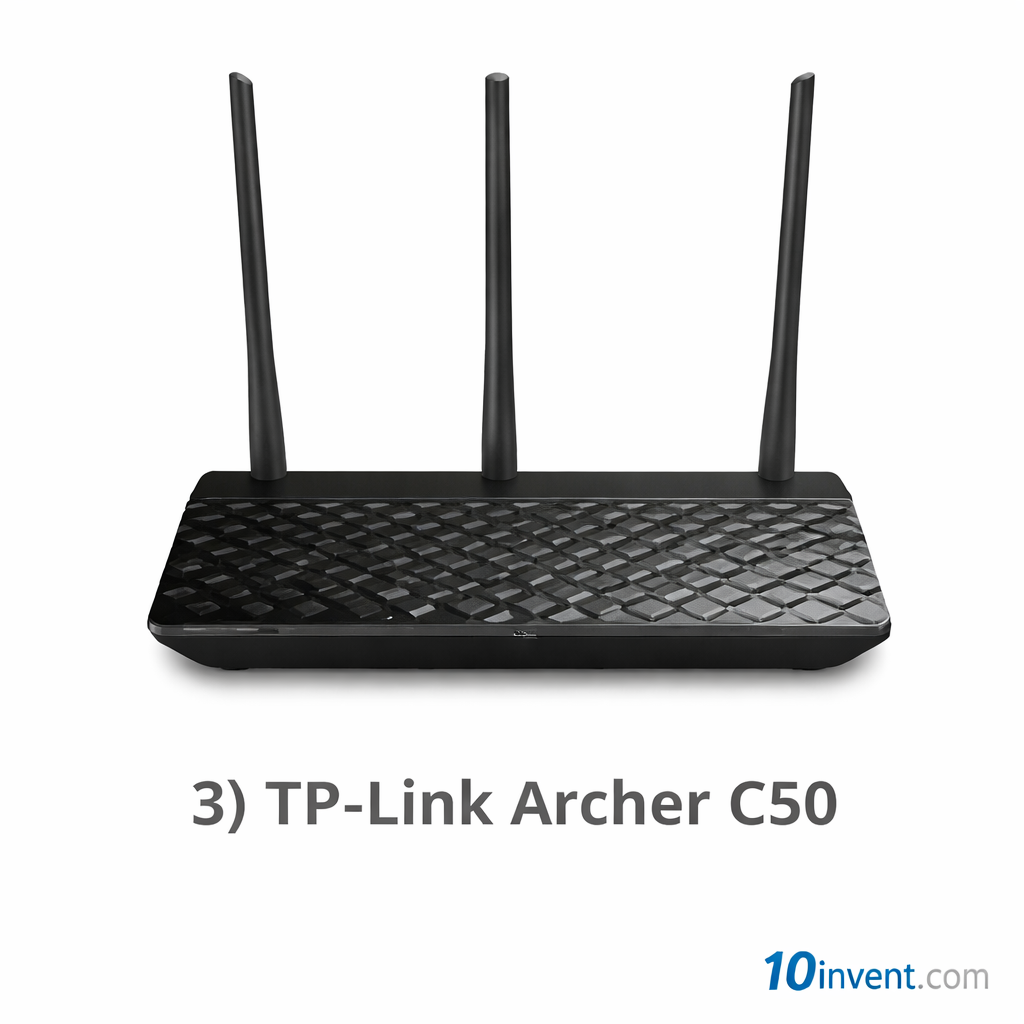
The TP-Link Archer C50 is a full-size home router that delivers AC1200 dual-band performance at a budget price. Unlike mini travel routers, it comes with external antennas that significantly improve signal coverage across rooms.
It offers up to 300 Mbps on 2.4GHz and 867 Mbps on 5GHz, which is perfect for HD streaming, online classes, video calls, and multiple connected devices. The Archer C50 also includes useful features such as guest networks, parental controls, and basic bandwidth management, making it family-friendly.
TP-Link’s web interface is clean and easy to understand, so even beginners can configure it without trouble.
Real-world performance:
In apartments and small to medium homes, the Archer C50 performs reliably. You can connect phones, laptops, smart TVs, and tablets at the same time without noticeable slowdowns. Streaming in HD on multiple devices is smooth, and browsing feels responsive.
✔️ Pros:
✔️ Strong AC1200 dual-band speeds
✔️ Better coverage with external antennas
✔️ Easy setup and user-friendly interface
✔️ Guest network and parental controls
✔️ Good brand reputation
✔️ Excellent value for money
❌ Cons:
❌ No Wi-Fi 6 support
❌ Performance drops through thick walls
❌ Advanced features are limited
Best for:
Small families and apartment users who want affordable, reliable dual-band Wi-Fi for everyday use.
✅ 4) ASUS RT-N12 N300 Wireless Router
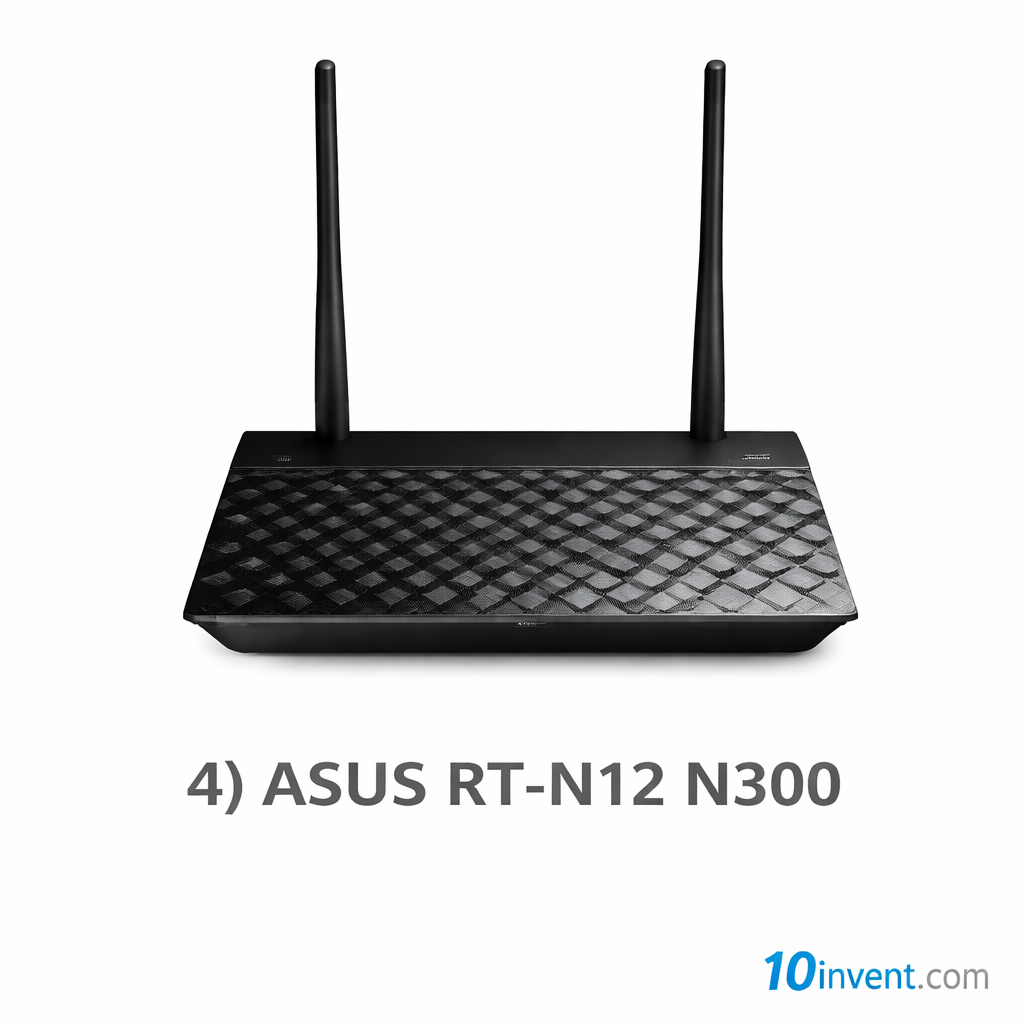
The ASUS RT-N12 is one of the most trusted budget routers available under $50. It’s built for simplicity and stability rather than advanced performance, making it ideal for users who need reliable internet for basic tasks like web browsing, email, social media, and light video streaming.
This router operates on the 2.4GHz (N300) frequency and supports speeds up to 300 Mbps, which is sufficient for older devices, basic streaming, and small households.
One noteworthy feature of the RT-N12 is its flexible mode support — you can configure it as a router, access point, or repeater depending on your setup needs. ASUS’s firmware is known for its stability even in low-end devices, meaning you won’t face frequent reboots or freezes.
Real-World Performance:
In everyday use, the RT-N12 performs consistently for casual internet users. If your home internet plan is under ~50 Mbps, you will notice relatively smooth performance. This router struggles with heavy traffic or multiple simultaneous HD streams, but for most non-techy users, it delivers what it promises: stable, affordable Wi-Fi.
✔️ Pros:
✔️ Very affordable
✔️ ASUS reliability and brand trust
✔️ Easy setup — beginner friendly
✔️ Supports multiple modes (Router/AP/Repeater)
❌ Cons:
❌ Single-band only — no 5GHz
❌ Maximum 300 Mbps is limited for modern use
❌ Range isn’t strong in larger homes
Best Suited For:
Students, seniors, and budget users who mainly need internet for browsing, emails, and light streaming.
✅ 5) NETGEAR R6020 AC750 Dual-Band Router
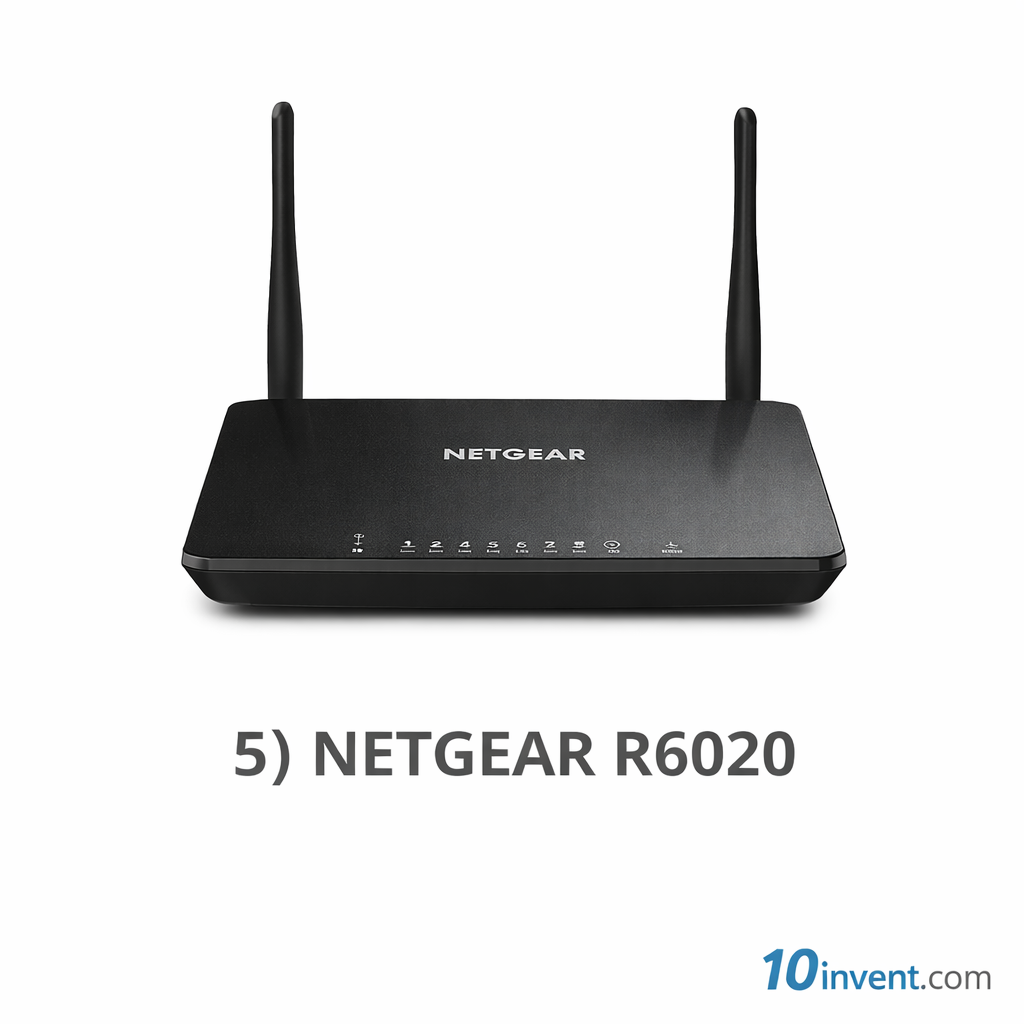
The NETGEAR R6020 is a reliable and affordable dual-band router that offers good speed and range for small homes and everyday Wi-Fi tasks. Running on AC750 standard, it delivers up to 300 Mbps on 2.4GHz and 450 Mbps on 5GHz, which is great for most online activities at home.
Unlike single-band routers, the R6020’s dual-band design allows devices to connect to the faster 5GHz band for bandwidth-heavy tasks like HD streaming or video calls, while less demanding devices (like smart plugs or older phones) stay connected on 2.4GHz.
Setting up the R6020 is straightforward using the NETGEAR Nighthawk app, which walks you through configuration and security setup step by step. The router also includes basic parental controls and guest Wi-Fi support — features usually found only on higher-end models.
Real-World Performance:
For a small family with a mix of phones, laptops, and streaming devices, this router handles multiple connections with minimal slowdown. Its range is good for typical apartment layouts, though you may see weaker signal in distant rooms.
✔️ Pros:
✔️ Dual-band AC750 speeds
✔️ Easy setup with Nighthawk app
✔️ Guest network + basic parental controls
✔️ Good brand reliability
❌ Cons:
❌ Not as powerful as AC1200 models
❌ Through-wall range is average
❌ Limited advanced settings
Best Suited For:
Small homes and apartments where you need simple dual-band Wi-Fi for daily use.
✅ 6) Tenda AC10 AC1200 Smart Dual-Band Router
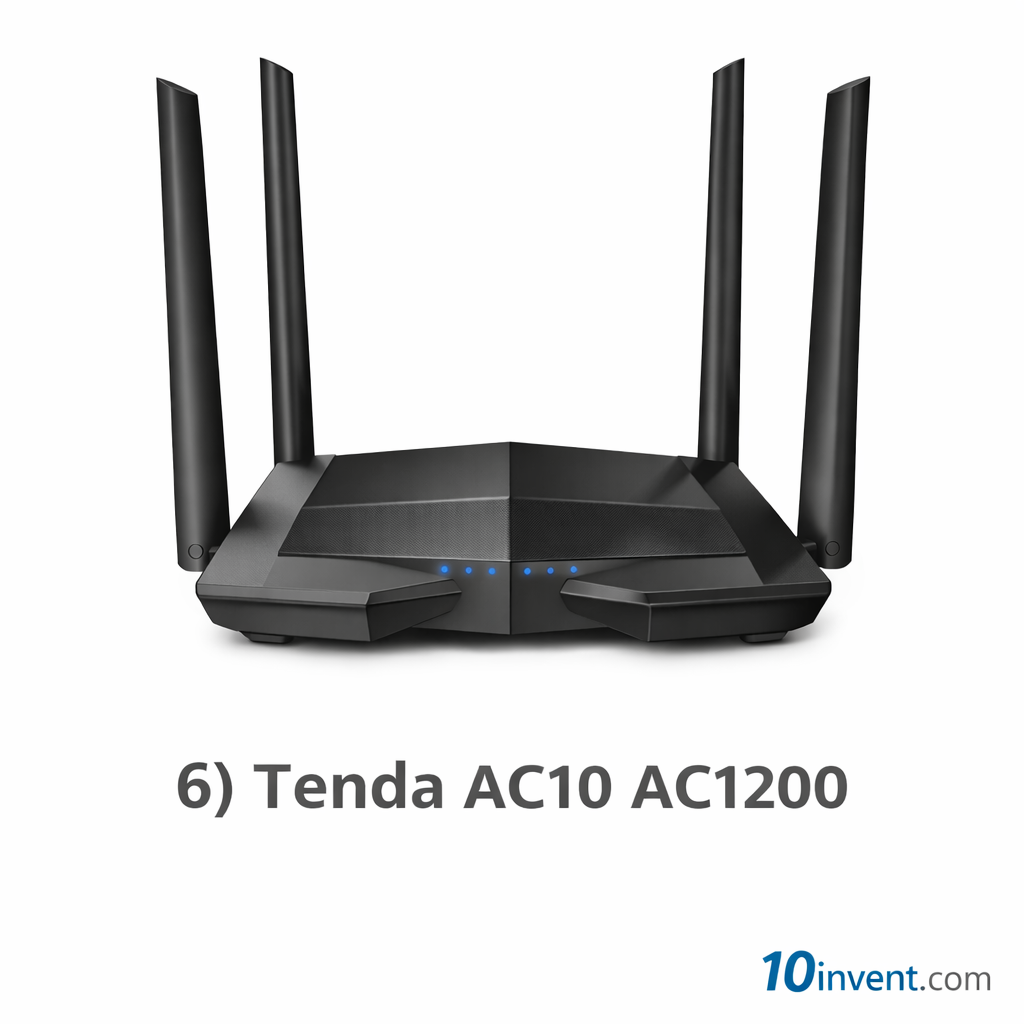
The Tenda AC10 AC1200 is one of the standout budget routers in the $30–$50 range — offering a rare combination of wide coverage, strong throughput, and smart performance features that bring it close to premium value.
This router offers AC1200 speeds, delivering up to 300 Mbps on the 2.4GHz band and 867 Mbps on the 5GHz band. These speeds are excellent for HD streaming, video conferencing, casual online gaming, smart home usage, and general browsing.
One of the AC10’s unique strengths is its beamforming technology. Instead of blasting Wi-Fi in every direction equally, beamforming focuses the wireless signal toward your devices for more consistent performance and larger effective coverage.
Tenda’s Wi-Fi App makes setup very easy — users can manage their network, set parental controls, pause the internet for specific devices, and configure guest access in minutes.
Real-World Performance:
In real tests, the Tenda AC10 holds strong performance even when several devices are connected simultaneously. It covers an entire apartment reliably and performs competitively with many routers costing significantly more.
✔️ Pros:
✔️ AC1200 dual-band speeds
✔️ Beamforming improves signal coverage
✔️ Solid performance for multiple devices
✔️ Easy smartphone app configuration
✔️ Good for streaming & video calls
❌ Cons:
❌ App interface is basic compared to premium brands
❌ Slight performance drop through thick walls
❌ Lacks advanced firmware controls
Best Suited For:
Families and small homes looking for reliable Wi-Fi that handles multiple devices without slowdown.
✅ 7) Tenda AC6 AC1200 Dual-Band Router
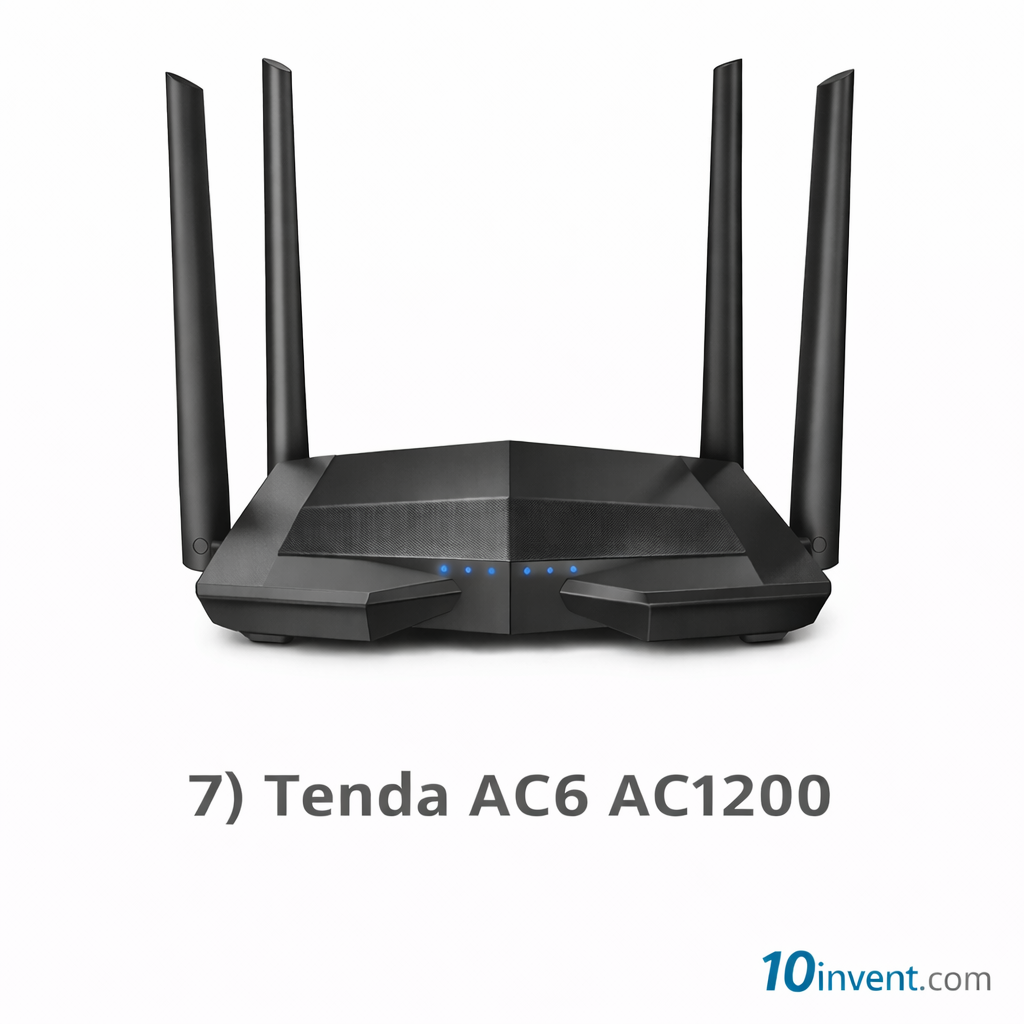
The Tenda AC6 is another strong dual-band router in the budget tier that has earned its place thanks to remarkable coverage and consistently stable Wi-Fi. Its standout feature is the four external antennas, which help boost both reach and connection reliability throughout small homes or apartments.
This router supports AC1200 speeds, giving you up to 300 Mbps on 2.4GHz and 867 Mbps on 5GHz — fast enough for streaming in HD, working from home, everyday browsing, social media, and even casual gaming.
Performance Overview:
In real-world testing, the AC6 delivers competent coverage spread across multiple rooms in a standard apartment layout. It handles all ordinary internet tasks comfortably, and its dual-band design helps separate older/low-power devices on 2.4GHz while reserving 5GHz for smartphones, laptops, and streaming devices.
✔️ Pros:
✔️ Four external antennas help wider coverage
✔️ Dual-band AC1200 performance
✔️ Very simple and quick setup
✔️ Affordable price with good everyday performance
✔️ Reliable for multi-device households
❌ Cons:
❌ Tenda’s app interface is basic
❌ Performance dips slightly through thick walls
❌ Lacks advanced QoS features
Best for:
Small households and everyday users who want reliable speed and wide coverage without paying extra.
✅ 8) Linksys E5400 AC1200 Dual-Band Router
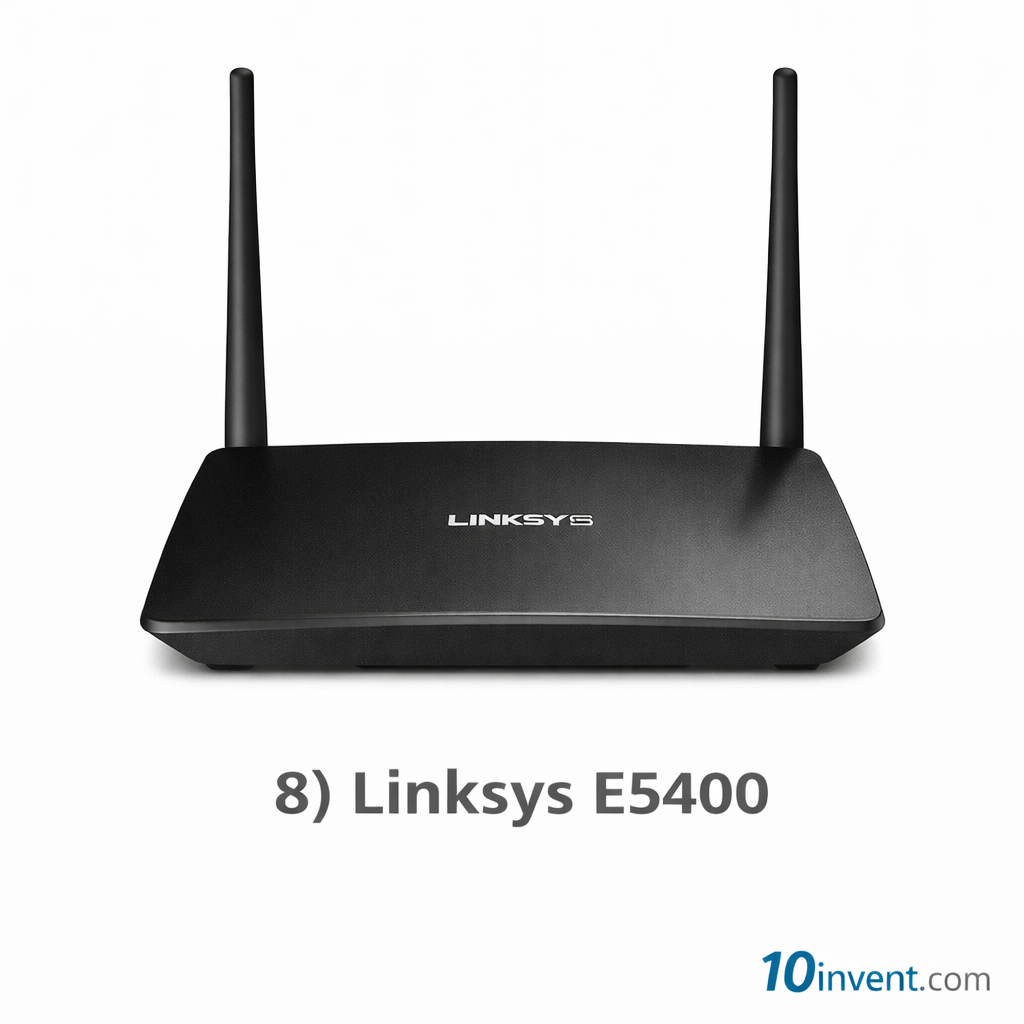
The Linksys E5400 is a budget-friendly offering from a long-trusted networking brand. It delivers dual-band AC1200 Wi-Fi, making it a smart choice for those who want brand reliability combined with solid performance.
This model includes features such as easy setup via the Linksys Smart Wi-Fi app or browser interface, beamforming tech for better signal targeting, and support for multiple devices. It doesn’t have the bells and whistles of high-end routers, but it presents a stable and dependable connection day-in and day-out.
Performance Overview:
In everyday use, the E5400 performs admirably for video streaming, group video calls, browsing, and basic gaming. The 5GHz band provides noticeably faster speed for bandwidth-hungry tasks, while the 2.4GHz band keeps older devices connected.
✔️ Pros:
✔️ Trusted Linksys build quality
✔️ Dual-band AC1200 speed
✔️ Good coverage for small/medium rooms
✔️ Easy setup with Smart Wi-Fi app
✔️ Works well with many devices at once
❌ Cons:
❌ Lacks advanced configuration options
❌ Not the fastest performer under heavy load
❌ No USB port or extra advanced features
Best for:
Everyday users who want a dependable router from a respected brand.
✅ 9) TRENDnet TEW-827DRU AC1200 Dual-Band Router
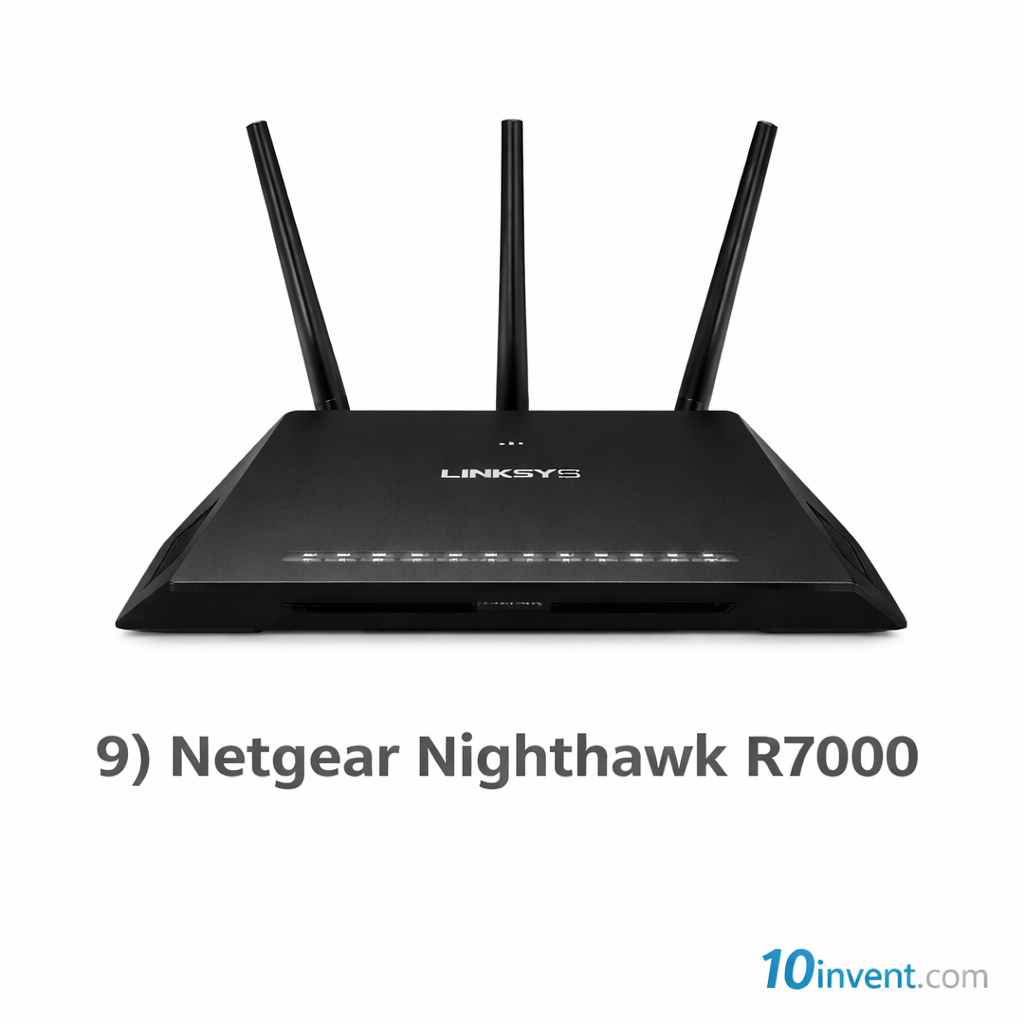
The TRENDnet TEW-827DRU is a stable mid-range option in the budget category, offering dual-band Wi-Fi at AC1200 speeds. TRENDnet has historically offered solid hardware in value categories, and this model is no exception — it’s reliable, easy to set up, and performs well in everyday conditions.
This router supports up to 867 Mbps on 5GHz and 300 Mbps on 2.4GHz. It includes features like a basic QOS setup, WPA2 security, and a straightforward web interface for configuration.
Performance Overview:
Users typically report stable connections and consistent performance across multiple devices. It’s particularly good for streaming HD movies, online classes, remote work, browsing, and social media. While not the fastest overall, it tends to be consistent and dependable.
✔️ Pros:
✔️ Good dual-band performance
✔️ Steady real-world throughput
✔️ Easy to install and manage
✔️ Solid hardware quality
✔️ Reasonable range for small homes
❌ Cons:
❌ Outdated app/setup interface compared to competitors
❌ Slightly less impressive Wi-Fi speed than some AC1200 peers
❌ No advanced parental controls
Best for:
Budget buyers who want stability and consistent performance without premium complexity.
✅ 10) TP-Link TL-WR840N N300 Router
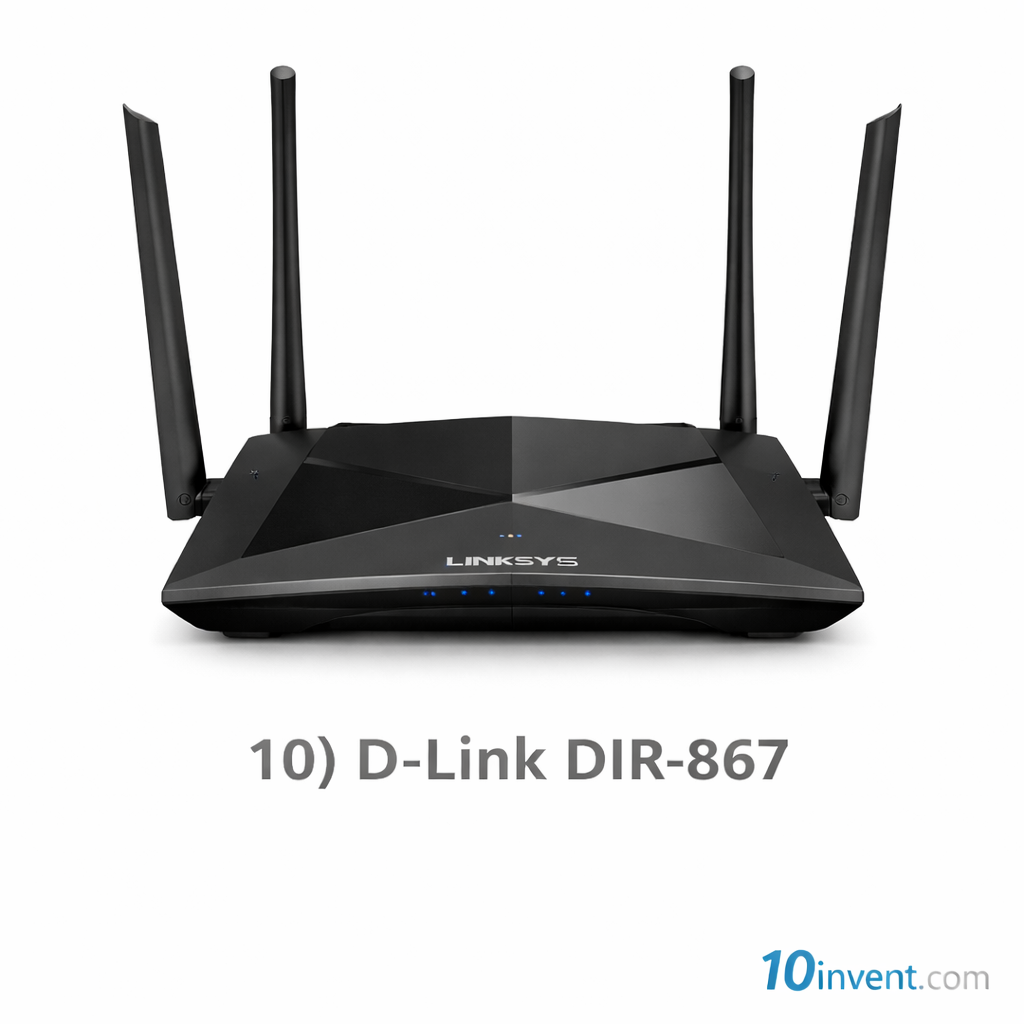
The TP-Link TL-WR840N is a very affordable basic router that covers essential internet needs with simplicity. It operates on the 2.4GHz band and can deliver up to 300 Mbps, which is enough for browsing, chatting, checking email, and light video streaming.
This model does not have dual-band capability, but its lightweight setup and straightforward web interface make it a good choice for first-time users, seniors, and anyone who wants a no-frills router that just gets the job done.
Performance Overview:
For daily home tasks like YouTube, browsing, messaging apps, and social media, the 840N performs well. It struggles when multiple devices are streaming video simultaneously, since it only runs on 2.4GHz. Still, for very casual use, it’s reliable and extremely budget-friendly.
✔️ Pros:
✔️ Very low price tag
✔️ Easy, no-complication setup
✔️ Stable performance for basics
✔️ Trusted TP-Link reliability
❌ Cons:
❌ Only single-band (no 5GHz)
❌ Limited bandwidth for HD streaming
❌ Not suitable for many simultaneous users
Best for:
Beginners, students, or anyone who only needs basic internet access.
Final Comparison: Routers #1–#10
Here’s an easy comparison based on performance, range, and overall value:
| Router Model | Band | Key Strength | Best Use Case |
|---|---|---|---|
| GL.iNet GL-SFT1200 | Dual AC1200 | VPN + advanced features | Tech users, privacy |
| TP-Link TL-WR902AC | Dual AC750 | Compact + versatile modes | Travel & small rooms |
| TP-Link Archer C50 | Dual AC1200 | Balanced performance | Small family use |
| ASUS RT-N12 | Single N300 | Simple & stable | Basic browsing |
| NETGEAR R6020 | Dual AC750 | Good beginner dual-band | Small homes |
| Tenda AC10 | Dual AC1200 | Strong multi-device performance | Families & streaming |
| Tenda AC6 | Dual AC1200 | Wide coverage | Small to medium homes |
| Linksys E5400 | Dual AC1200 | Brand reliability | Everyday use |
| TRENDnet TEW-827DRU | Dual AC1200 | Stable consistency | HD streaming |
| TP-Link TL-WR840N | Single N300 | Budget basics | Students & light use |
Buying Guide — How to Choose the Best Router
Here are simple tips to help choose the right router in the $30–$50 range:
📌 1. Coverage Area
If you live in a large apartment, pick routers with external antennas and dual-band like Tenda AC10, Archer C50, or Tenda AC6.
📌 2. Number of Devices
For multiple phones, laptops, TVs, and smart devices, dual-band AC1200 routers are best — they keep performance high across devices.
📌 3. Usage Type
✔ Basic browsing/social media → ASUS RT-N12 or TL-WR840N
✔ Streaming & video calls → Tenda AC10, Archer C50
✔ Tech features & privacy → GL.iNet Opal
📌 4. Future-Proofing
Even under $50, dual-band routers are worth the extra speed and better performance. Always prefer AC1200 over single-band if your budget allows.
Final Word
Choosing the right budget router doesn’t have to be confusing. The $30–$50 range now includes models with strong dual-band performance, smart features, and reliable builds. If your priority is stable Wi-Fi for streaming and multi-device homes, AC1200 routers like the Tenda AC10 and TP-Link Archer C50 are excellent choices. For travel or privacy lovers, the GL.iNet Opal stands out with VPN support under budget pricing.