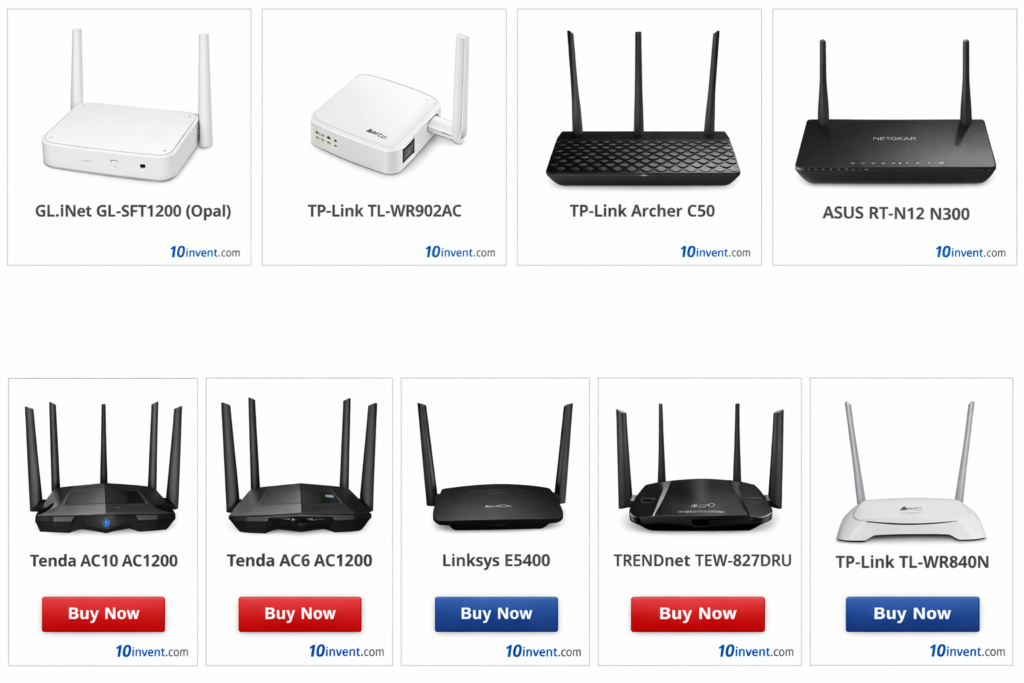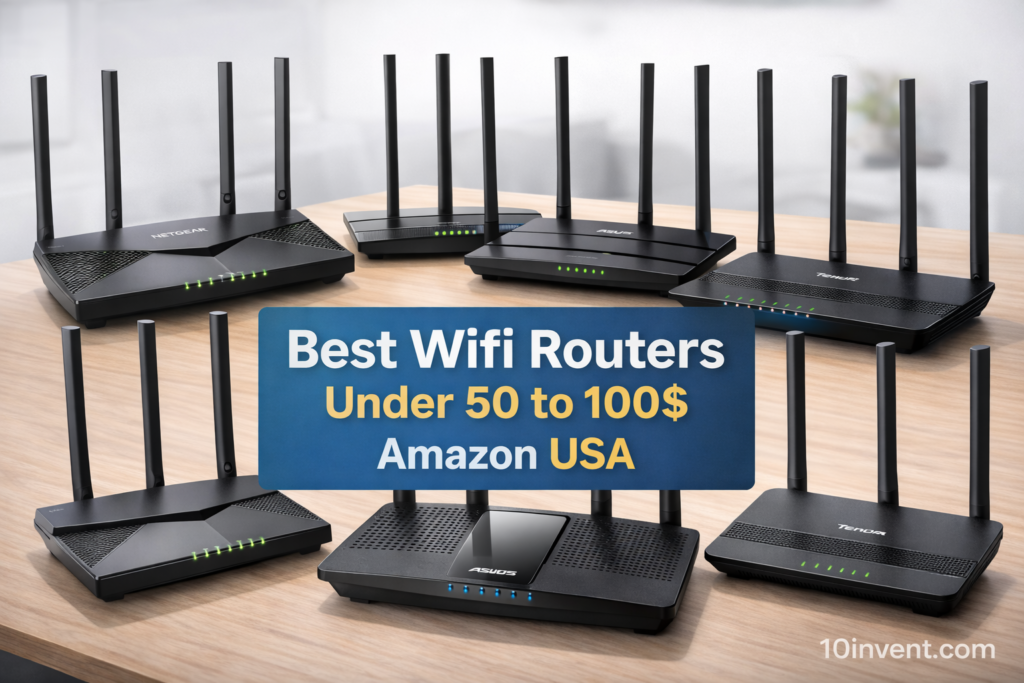

Choosing a Wi-Fi router in the $100 to $200 range in 2025 means you are stepping into the world of next-generation networking. This category offers powerful routers with Wi-Fi 6E and Wi-Fi 7, tri-band performance, multi-gig ports, stronger CPUs, and advanced security features designed for modern homes and offices.
If you stream in 4K, play online games, work remotely, run smart home devices, or simply want rock-solid internet for many users at once, routers in this range deliver a noticeable upgrade over budget models. You get faster speeds, lower latency, better coverage, and hardware that is ready for future devices.
In this guide, we have hand-picked the Top 10 Best Wi-Fi Routers Under $100–$200 (Amazon USA) based on performance, features, and overall value. Use the quick picks box below to compare our top choices and grab the best deals instantly.
🔥 Top 10 Wi-Fi Routers Under $100–$200 (Amazon USA)
✅1: TP-Link AXE5400 Tri-Band WiFi 6E Router (Archer AXE75)
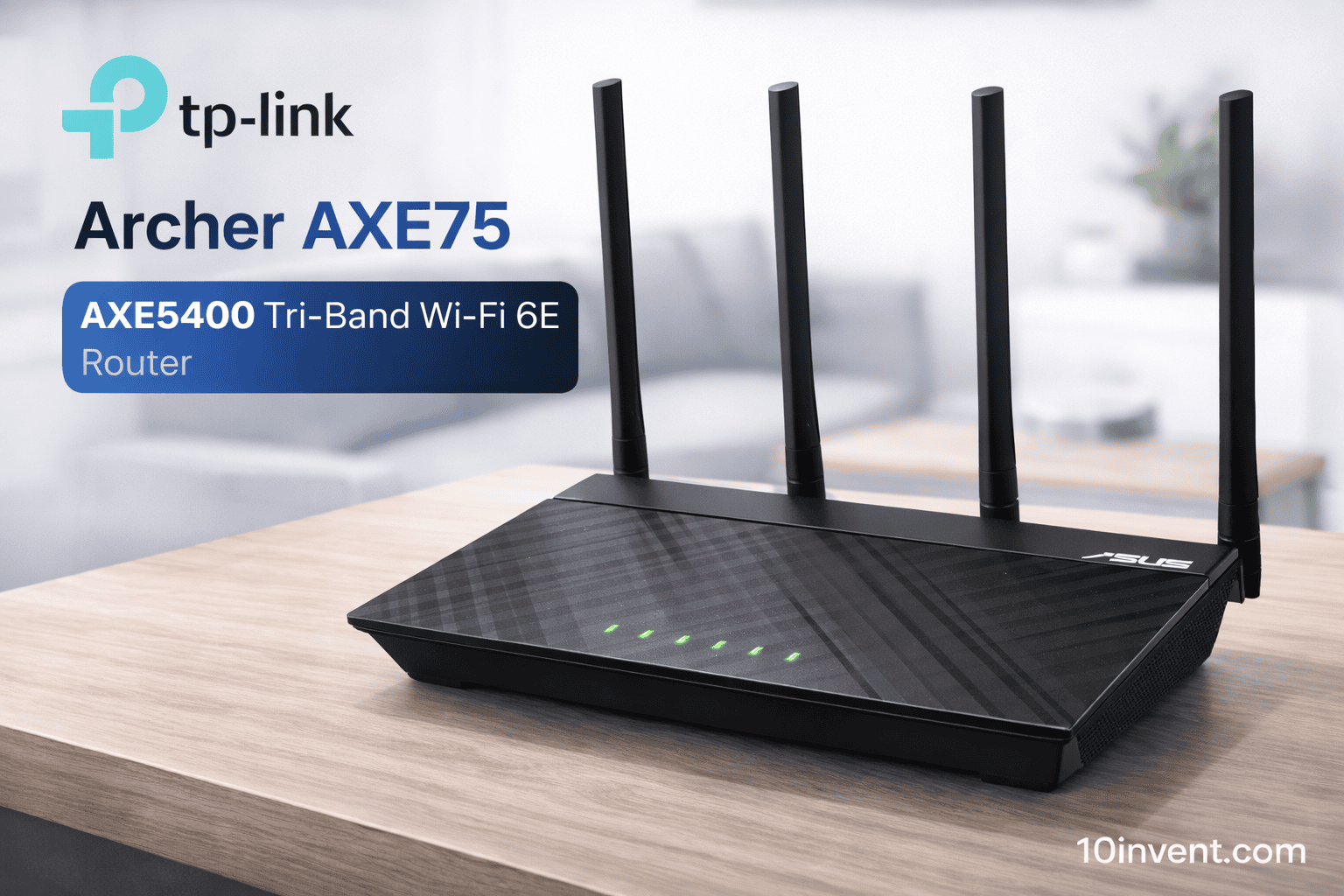
The TP-Link Archer AXE75 is one of the best-value Wi-Fi 6E routers you can buy in 2025, and it’s even recognized as a PCMag Editors’ Choice. What makes this router special is its tri-band design, including the brand-new 6GHz band, which offers ultra-low interference and blazing speeds for compatible devices.
With combined speeds up to AXE5400, a quad-core CPU, and 160MHz channel support, this router is built for serious streaming, online gaming, and busy smart homes. It also supports OneMesh, so you can expand coverage later without replacing your router.
In real-world use, the AXE75 feels extremely responsive. 4K streaming runs smoothly, large downloads complete faster, and gaming latency stays low even when many devices are connected.
✔️ Pros:
✔️ True tri-band with new 6GHz Wi-Fi 6E
✔️ Very fast speeds for gaming & streaming
✔️ Quad-core processor handles heavy loads
✔️ WPA3 security & built-in VPN support
✔️ OneMesh for easy expansion
❌ Cons:
❌ 6GHz benefits only newer devices
❌ Coverage could require mesh in very large homes
❌ Slightly bulky design
Best for:
Users who want next-gen Wi-Fi 6E performance at a reasonable price.
✅2: GL.iNet GL-BE3600 (Slate 7) Portable Wi-Fi 7 Travel Router
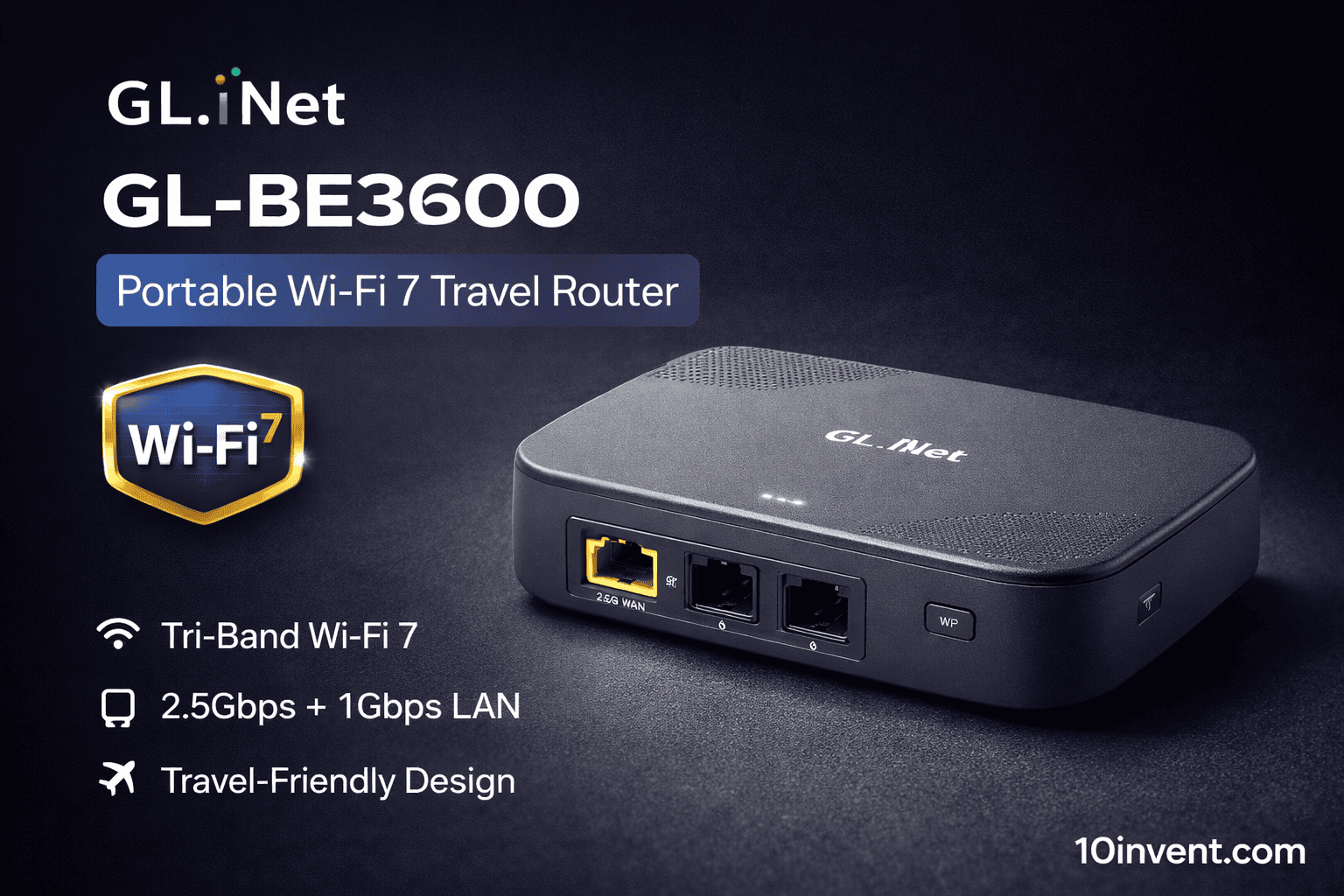
The GL.iNet Slate 7 (GL-BE3600) is a unique entry in this list — a portable Wi-Fi 7 router designed for travelers, remote workers, and digital nomads who want secure, high-speed internet anywhere.
Despite its compact size, it supports dual-band Wi-Fi 7, a 2.5G Ethernet port, and powerful VPN features, making it perfect for hotels, public Wi-Fi, RVs, or business trips. You can connect it to any network and create your own private, encrypted Wi-Fi hotspot.
In practice, Slate 7 delivers impressive speeds for its size and keeps your data secure when using untrusted networks. It’s not meant to replace a full-size home router, but for mobility, it’s outstanding.
✔️ Pros:
✔️ Latest Wi-Fi 7 in a portable form
✔️ Excellent VPN support for privacy
✔️ 2.5G port for fast wired links
✔️ Perfect for travel & remote work
✔️ Compact and easy to carry
❌ Cons:
❌ Not ideal for large homes
❌ Coverage limited compared to full routers
❌ Higher price for a travel device
Best for:
Frequent travelers, digital nomads, and anyone who needs secure internet on the go.
✅3: Ubiquiti UniFi 7 Pro Wi-Fi 7 Access Point (U7-Pro-US)
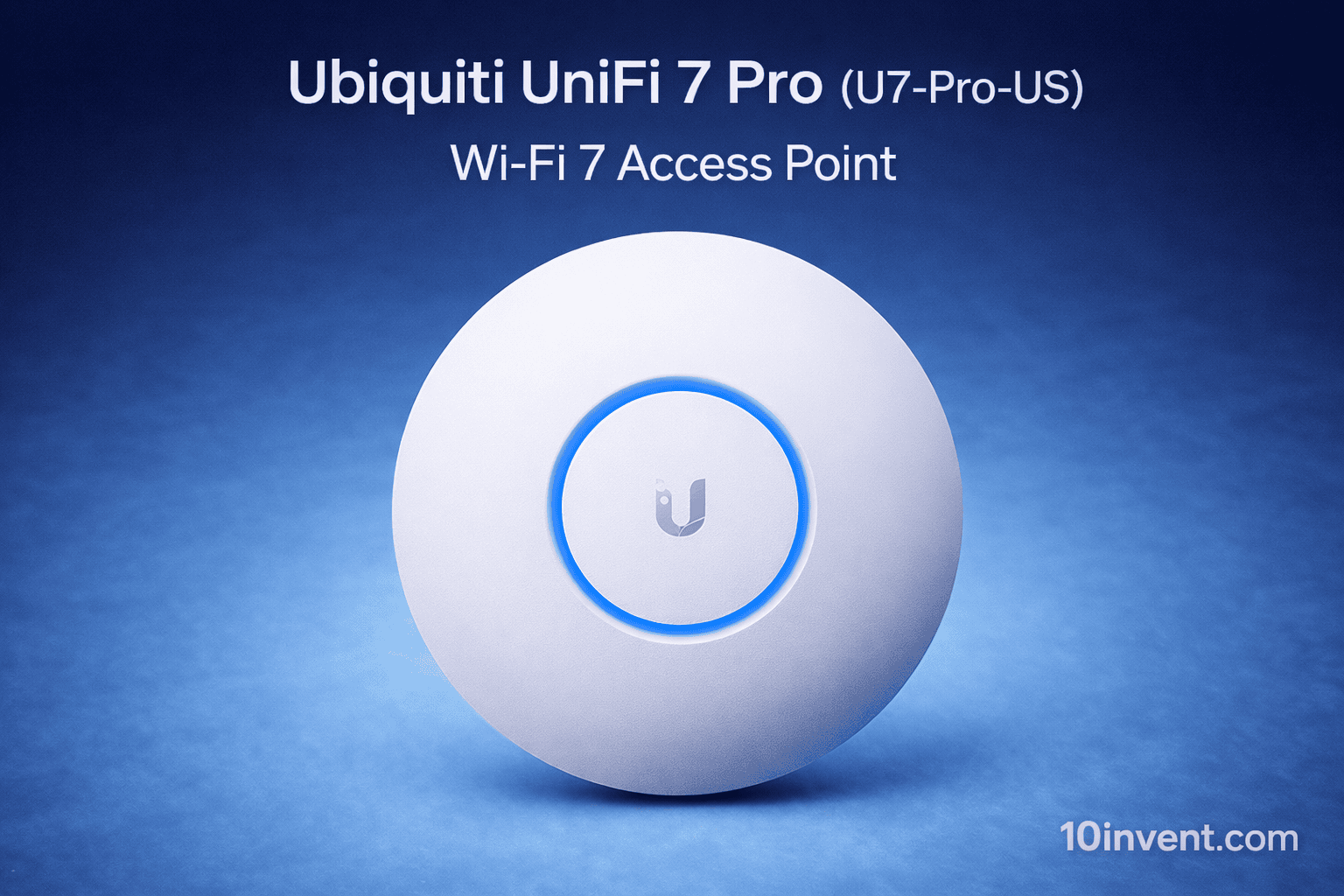
The Ubiquiti UniFi 7 Pro is a professional-grade Wi-Fi 7 access point built for users who demand enterprise-level performance at home or in small offices. It supports cutting-edge Wi-Fi 7 technology with incredible throughput and ultra-low latency.
This device is designed to be mounted on ceilings or walls and powered via PoE+ (Power over Ethernet). It integrates into the UniFi ecosystem, giving you deep control over your network through UniFi’s powerful controller software.
In real use, the UniFi 7 Pro delivers rock-solid performance for dozens of devices, making it ideal for tech enthusiasts, creators, and business environments.
✔️ Pros:
✔️ Enterprise-level Wi-Fi 7 performance
✔️ Handles many devices effortlessly
✔️ Very stable and low latency
✔️ Powerful UniFi management system
✔️ Future-proof hardware
❌ Cons:
❌ PoE adapter not included
❌ Requires networking knowledge to set up
❌ Not a typical plug-and-play home router
Best for:
Advanced users and small businesses who want pro-level Wi-Fi 7 performance.
✅4: TP-Link Archer BE6500 Dual-Band Wi-Fi 7 Router
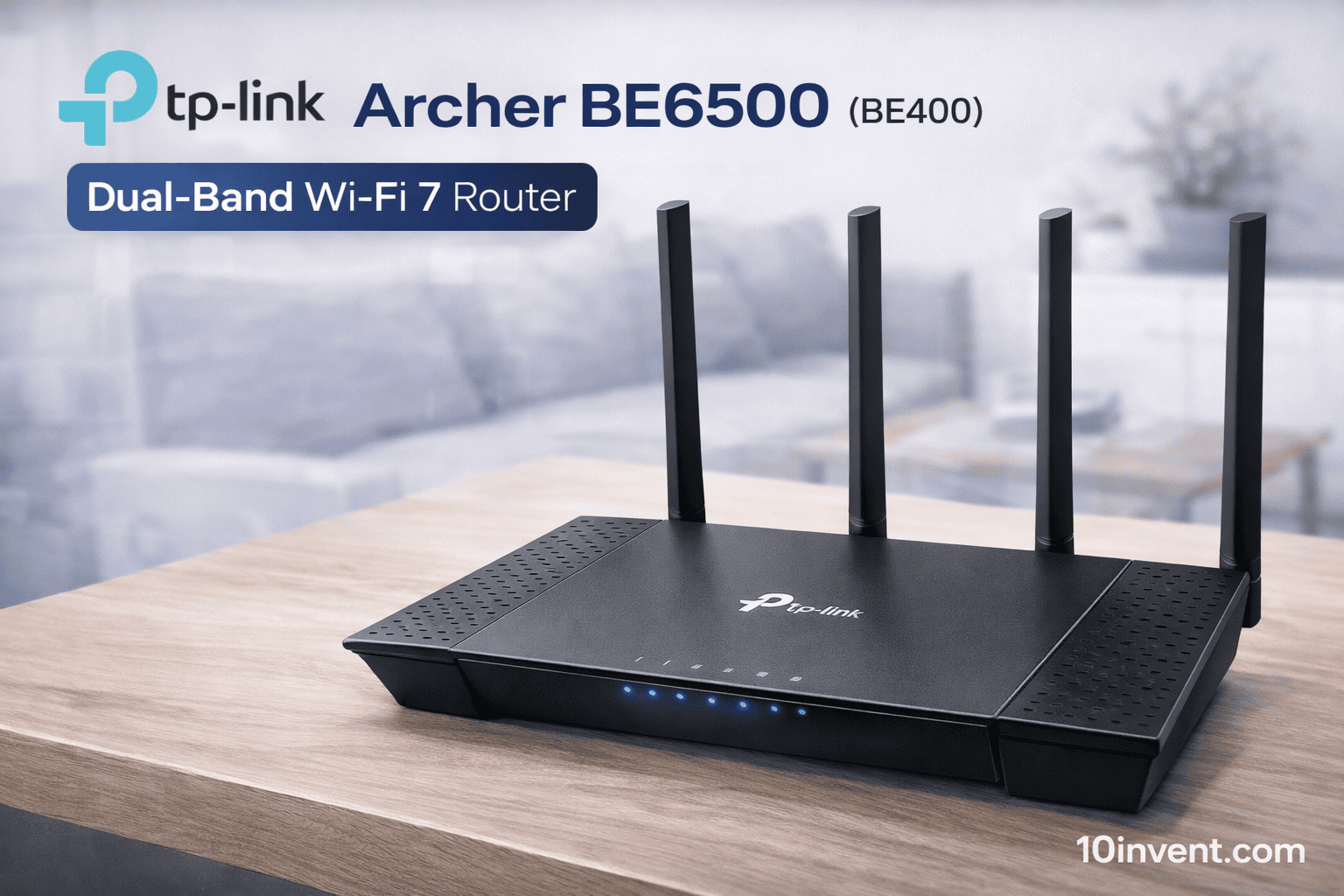
The TP-Link Archer BE6500 (sometimes branded BE400 in certain regions) is a modern Wi-Fi 7 dual-band router that brings the latest wireless standard to the mid-range price bracket. With support for high-speed Wi-Fi 7 connectivity, multiple 2.5Gbps ports, and strong hardware handling, this router is an excellent choice for families, gamers, and performance seekers who don’t want to pay premium flagship prices.
It supports improved throughput via wide channels, advanced multi-device handling, and Next-Gen features such as Multi-Link Operation (MLO) that help reduce latency and improve reliability — especially in congested environments.
Real-World Performance:
In typical home use, this router delivers fast speeds across 2.4GHz and 5GHz bands with noticeably improved consistency compared to most Wi-Fi 6 routers in the same price range. Streaming 4K video, cloud gaming, and heavy downloads are smooth even with multiple devices connected.
✔️ Pros:
✔ Wi-Fi 7 speed and efficiency
✔ Dual 2.5Gbps ports for backbone connectivity
✔ Strong multi-device handling
✔ TP-Link HomeShield security features
✔ Free expert support
❌ Cons:
❌ Slightly larger form factor
❌ Benefits mostly seen with Wi-Fi 7 client devices
❌ Not as wide range as tri-band models
Best for:
Users upgrading to Wi-Fi 7 in a mid-range home or small-office setup.
✅5: ARRIS SURFboard SB8200 DOCSIS 3.1 Multi-Gig Cable Modem
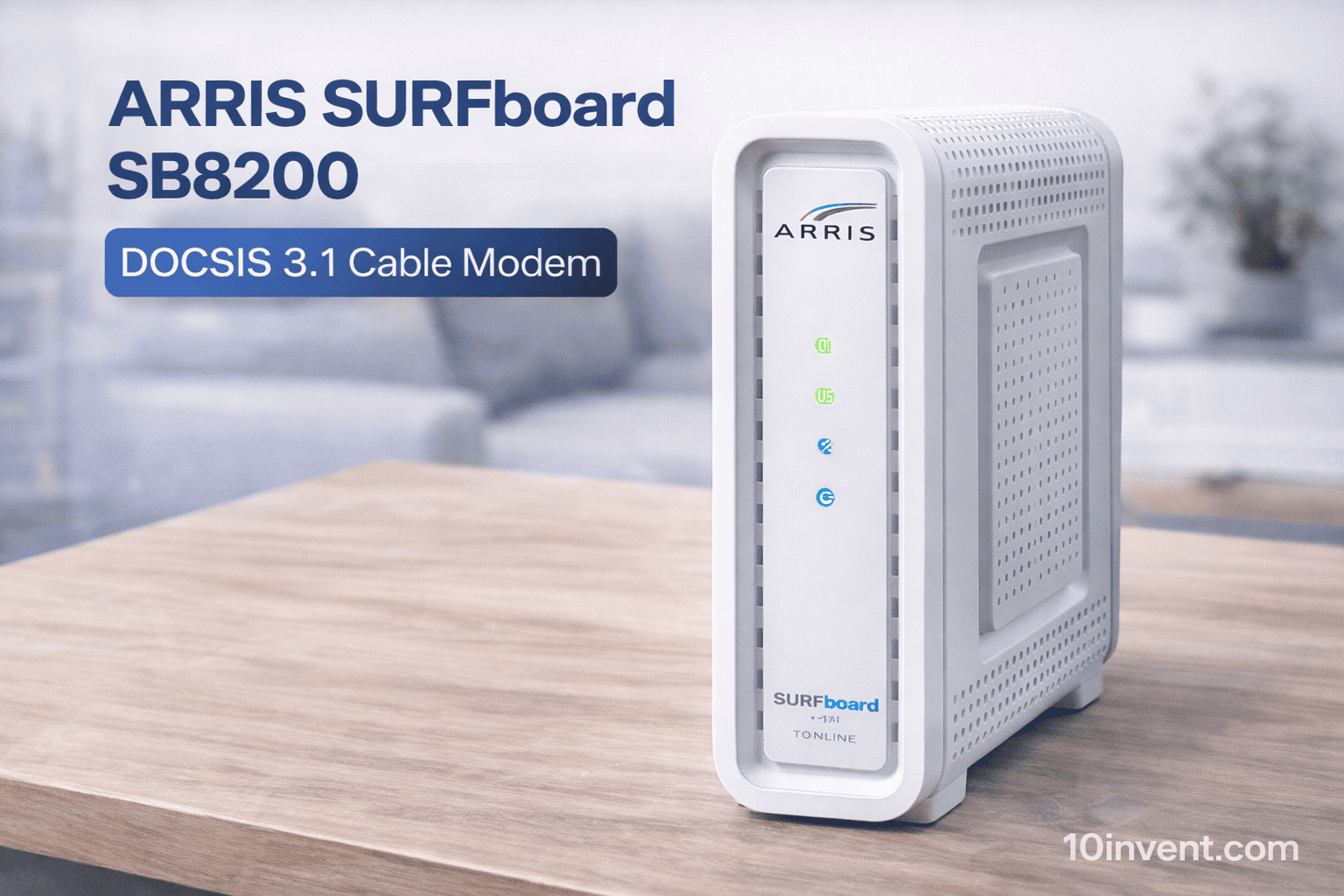
Note: This item is technically a modem, not a wireless router. But in the $100–$200 range, many users choose modem/router combos or include high-end cable modems as part of their home networking upgrade — especially for cable internet plans up to 2Gbps.
The ARRIS SURFboard SB8200 is a well-reviewed DOCSIS 3.1 cable modem compatible with major ISPs (Xfinity, Cox, Spectrum). It has two 1Gbps Ethernet ports and bridges your cable connection to a separate Wi-Fi router (recommended if you want max performance).
Real-World Performance:
This modem provides a reliable connection backbone, fast throughput for multi-gigabit plans, and excellent stability under heavy traffic. Pair it with a powerful mid-range Wi-Fi 7 or Wi-Fi 6 router (like Archer BE6500 or Flint 2) for a complete network solution.
✔️ Pros:
✔ Supports DOCSIS 3.1 & multi-gig speeds
✔ Works with major US cable ISPs
✔ Great long-term upgrade for fast internet plans
❌ Cons:
❌ Requires a separate router for Wi-Fi
❌ No built-in Wi-Fi coverage
❌ More expensive vs basic modems
Best for:
Users with cable internet (especially high-speed plans) who want the fastest modem backbone.
✅6: GL.iNet GL-MT6000 (Flint 2) Wi-Fi 6 High-Speed Router
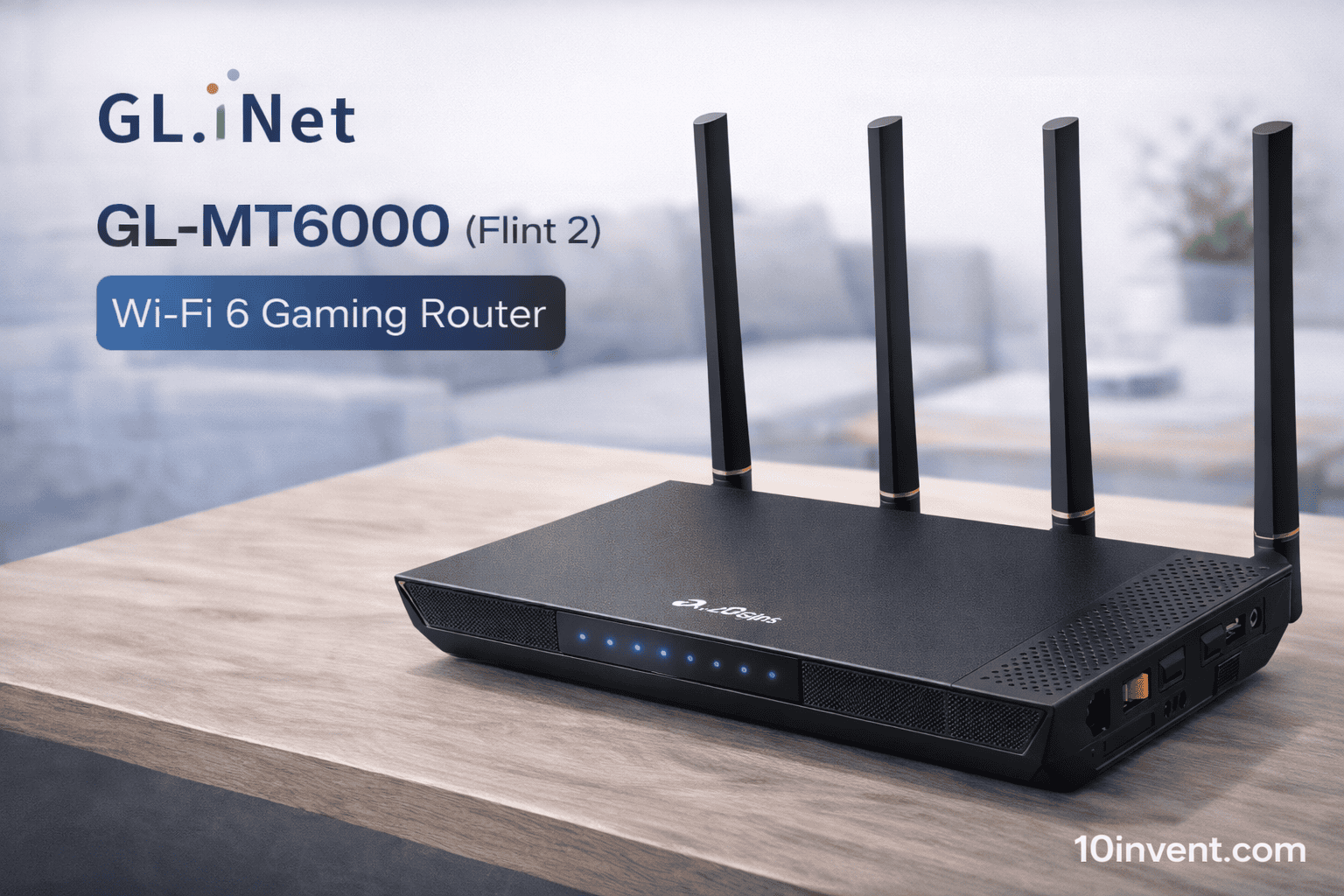
The GL.iNet GL-MT6000 (Flint 2) is a feature-rich Wi-Fi 6 router focused on high speeds, VPN privacy, and multi-gigabit networking. It’s designed for modern homes, fiber optic setups, and users who want enterprise-level features in a consumer-friendly device.
With 2 x 2.5G Ethernet ports, blazing fast Wi-Fi 6 throughput, and excellent support for VPN protocols like WireGuard and OpenVPN, the Flint 2 is ideal for secure home use, remote working, and advanced customization.
Real-World Performance:
This router delivers fast, stable connections across all bands and handles many devices well. The multi-gig ports are especially useful if you have a high-speed fiber internet plan and want maximum wired and wireless throughput.
✔️ Pros:
✔ Wi-Fi 6 with multi-gig Ethernet
✔ Excellent VPN support
✔ Great for fiber optic setups
✔ Long range and high throughput
❌ Cons:
❌ Slight learning curve for advanced features
❌ Not Wi-Fi 7
❌ Interface can feel techy for beginners
Best for:
Tech-savvy users, home offices, and high-speed internet households.
if you have a more budget-oriented network and want to start from entry-level models before upgrading, check out our routers under $50 guide here:
👉 10 Best Wi-Fi Routers Under $50–$100 (Amazon USA)
✅7: GL.iNet GL-BE9300 (Flint 3) Tri-Band Wi-Fi 7 Router
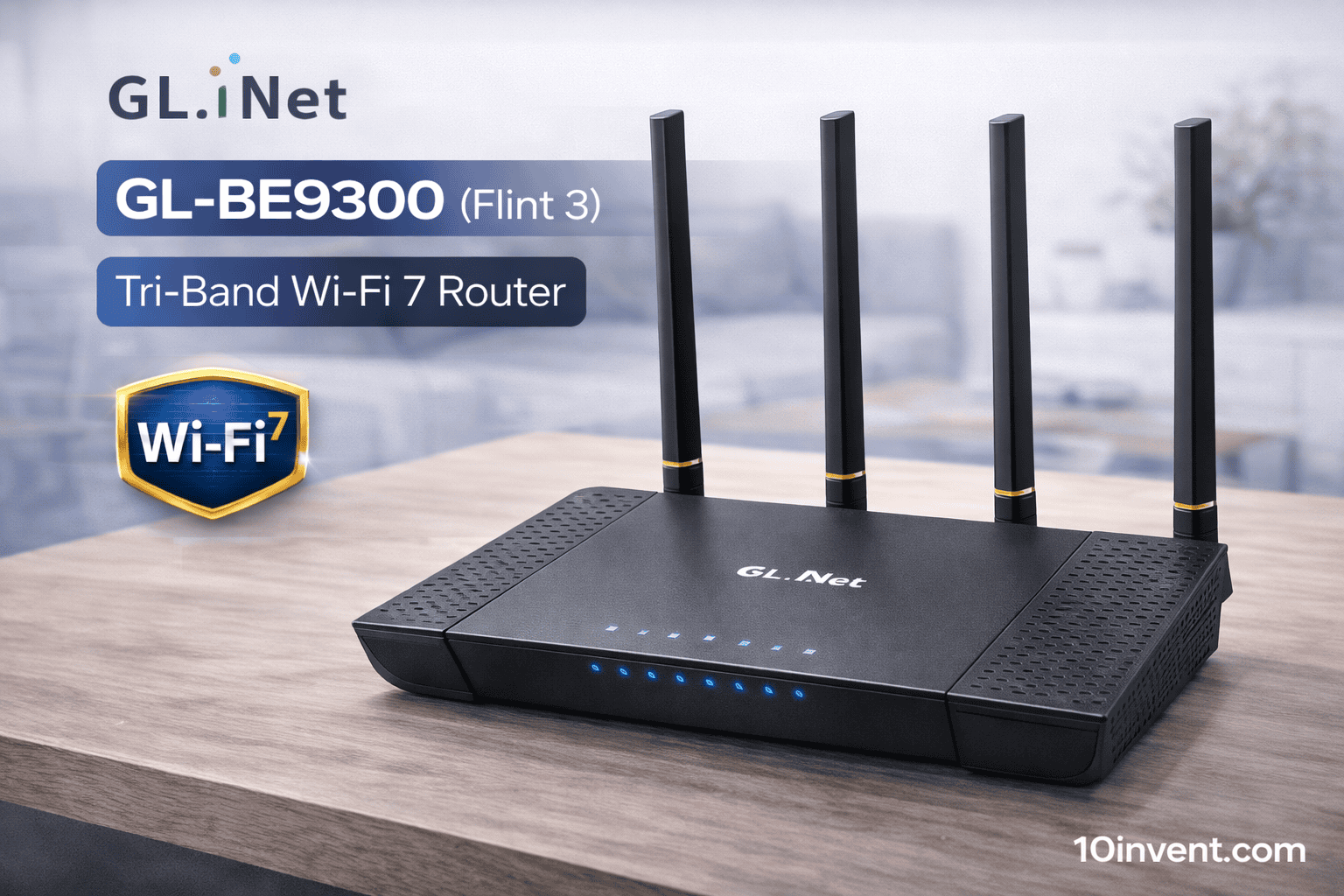
The GL.iNet GL-BE9300 (Flint 3) represents one of the most powerful consumer routers in the $100–$200 range with Tri-Band Wi-Fi 7 technology. Designed for users who want blazing-fast wireless speeds and ultra-low latency, this router is perfect for busy homes, high-speed gaming, and streaming in 4K+ resolution.
It supports multiple bands with broader channels and advanced Wi-Fi 7 features like Multi-Link Operation (MLO), which improves performance in congested wireless environments. Alongside its high throughput, the Flint 3 also offers robust hardware handling and faster multi-device communication.
Real-World Performance:
In practical use, the Flint 3 delivers exceptionally fast downloads/uploads and very stable connectivity across larger spaces. Even when many devices are connected, it keeps performance smooth and responsive.
✔️ Pros:
✔ True tri-band Wi-Fi 7 speed
✔ Excellent multi-device handling
✔ Strong range and throughput
✔ Great for gaming, streaming, and smart homes
❌ Cons:
❌ High price within this range
❌ Benefits mostly with Wi-Fi 7 clients
❌ Setup may be complex for beginners
Best for:
Users who want top-tier Wi-Fi 7 performance under $200 for complex home setups.
✅8: ASUS RT-BE92U BE9700 Tri-Band Wi-Fi 7 Router
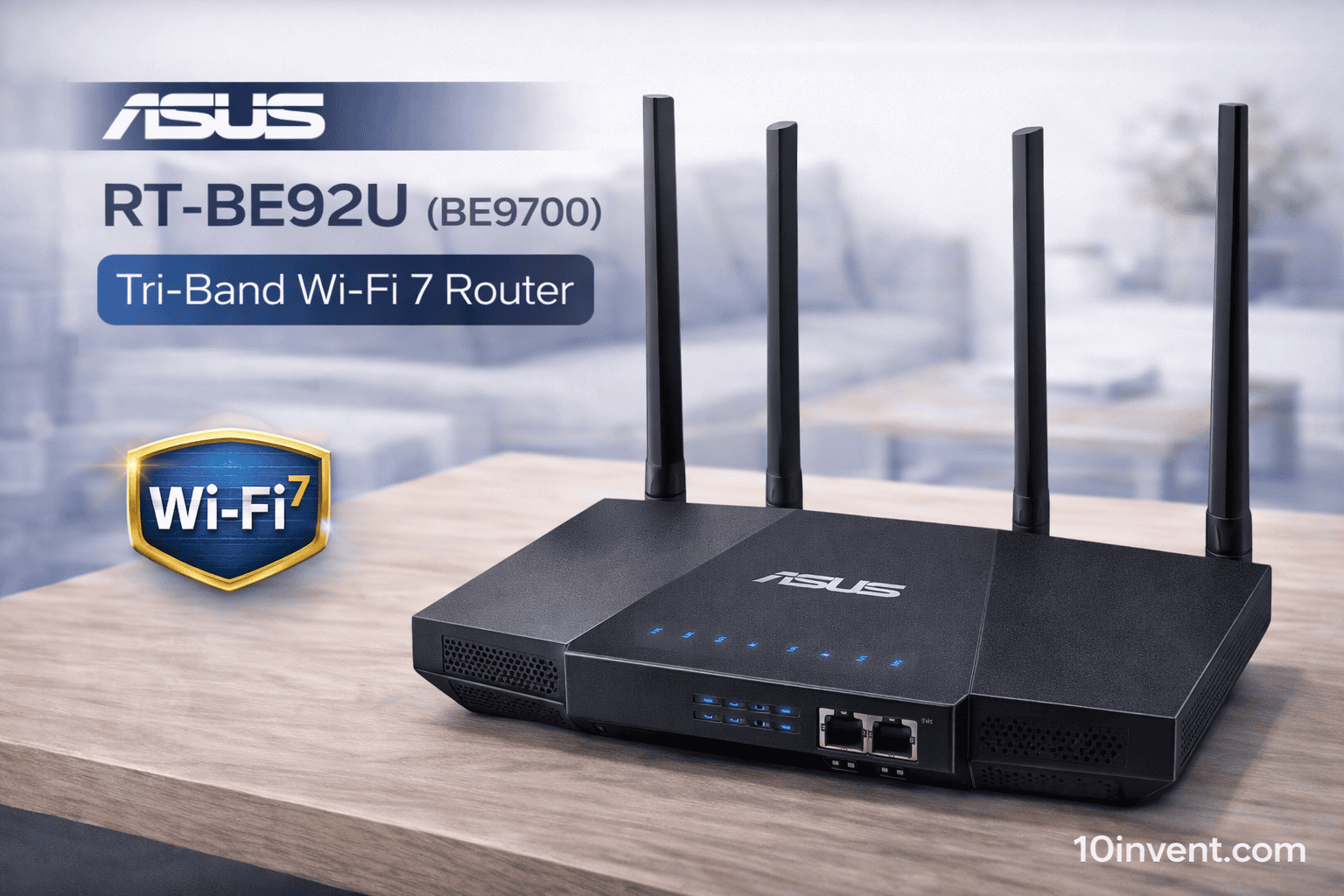
The ASUS RT-BE92U (BE9700) is a high-end Tri-Band Wi-Fi 7 router from a trusted brand, offering powerful wireless delivery, next-generation speeds, and modern networking features. With support for 320 MHz channels, 4096-QAM, AI WAN detection, and mobile-friendly security, this router is built for demanding homes.
Unlike many high-end routers that require subscriptions for full security features, ASUS includes subscription-free network security and comprehensive VPN support — ideal if you care about both performance and safety.
Real-World Performance:
This router holds stable connections even in busy households, excels with streaming multiple 4K streams, and handles large file transfers easily. The tri-band design keeps congestion low and performance consistent.
✔️ Pros:
✔ True Wi-Fi 7 with advanced features
✔ Subscription-free security
✔ Excellent throughput
✔ Great for high-demand networks
❌ Cons:
❌ Coverage varies with obstacles
❌ Slightly larger footprint
❌ Best benefits with Wi-Fi 7 devices
Best for:
Tech users and families who want both performance and premium network protection.
✅9: ARRIS SURFboard S33 DOCSIS 3.1 Multi-Gig Cable Modem
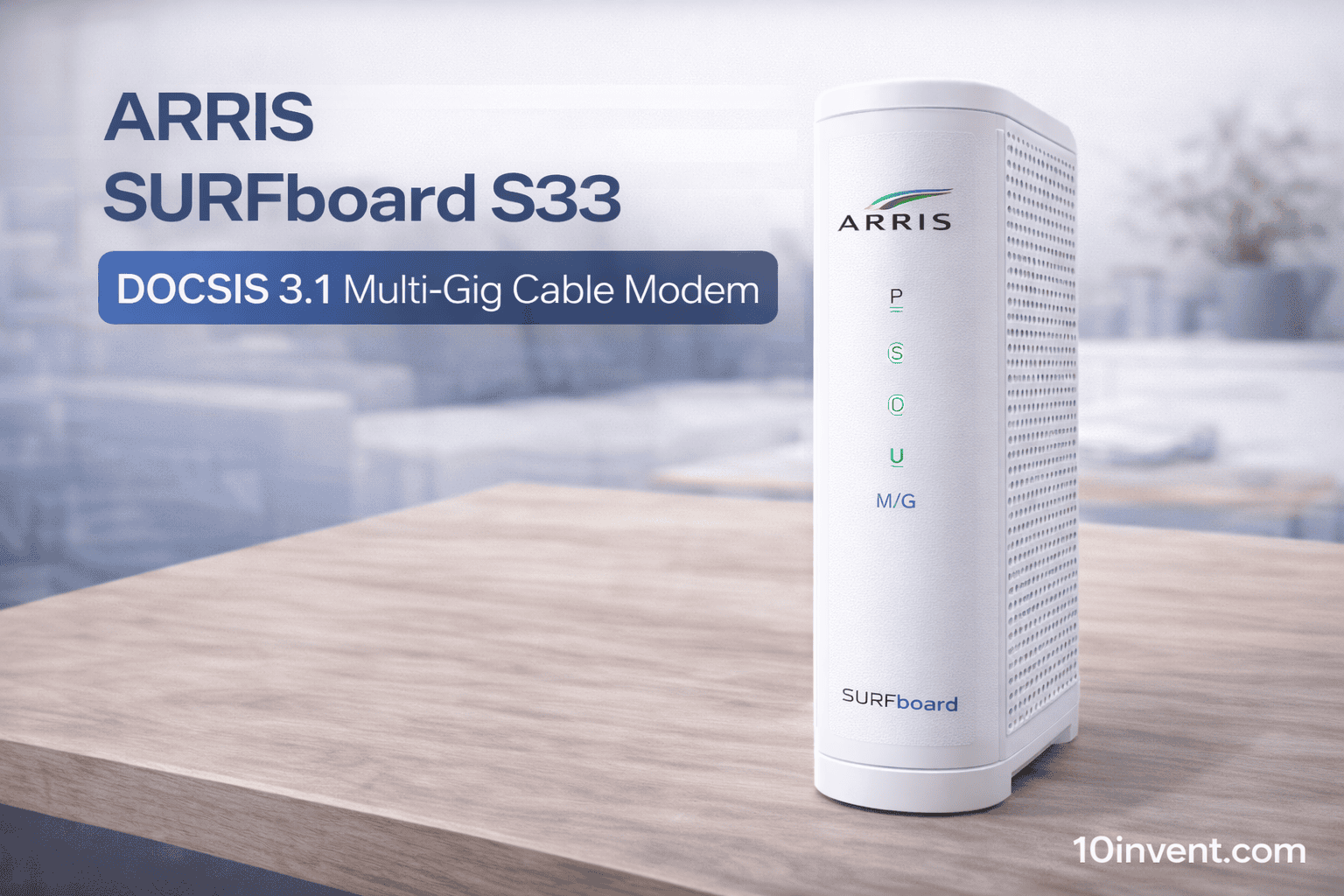
Note: Like the SB8200 in Part 2, the ARRIS SURFboard S33 is a modem (not a router). It doesn’t broadcast Wi-Fi by itself, but it’s often paired with high-performance routers to unleash the full potential of fast cable internet plans.
This modem supports DOCSIS 3.1 technology and offers 2.5 Gbps + 1 Gbps Ethernet ports, making it capable of handling multi-gig internet plans from Xfinity, Cox, Spectrum, and more.
Real-World Performance:
As a backbone device, the S33 provides extremely stable and fast wired internet — perfect for households that want to pair with a powerful Wi-Fi 7 or Wi-Fi 6 router for wireless connectivity.
✔️ Pros:
✔ Multi-gig DOCSIS 3.1 speeds
✔ Excellent stability for heavy internet plans
✔ Compatible with major US ISPs
❌ Cons:
❌ No built-in Wi-Fi
❌ Must be paired with a router
❌ Doesn’t improve wireless coverage
Best for:
Users with high-speed cable plans who want maximum wired internet before hitting their wireless router.
✅10: ARRIS SURFboard S33 Renewed (Multi-Gig Cable Modem)
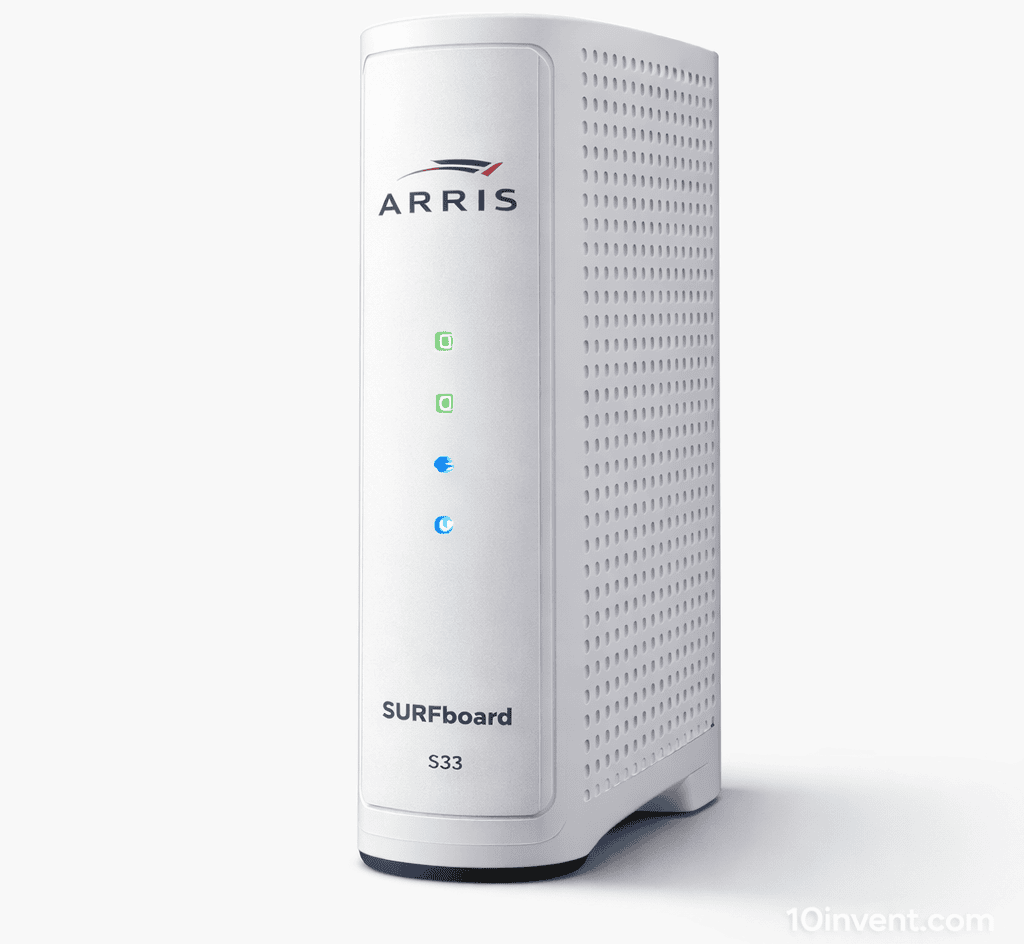
This renewed version of the ARRIS SURFboard S33 offers essentially the same performance as the new model but generally at a lower price — making it a cost-effective choice for heavy internet users on a budget.
Since it’s a refurbished unit, prices can drop into the $100–$150 range, which brings high-end wired performance into reach of more users.
Real-World Performance:
Most users report consistent multi-gig speeds over months of use, making it a very solid option if you want to invest in your network without overspending.
✔️ Pros:
✔ Great multi-gig performance at a lower price
✔ Works with major cable ISPs
✔ Good option paired with powerful routers
❌ Cons:
❌ Renewed product varies in condition
❌ No Wi-Fi built-in
❌ Same router requirement as other modems
Best for:
Budget-smart buyers with high-speed cable plans.
🧠Comparison Chart
Below is an easy-to-read comparison of all 10 routers/modems in your $100–$200 Amazon list:
| Product | Type | Wi-Fi Standard | Notable Feature | Best Use |
|---|---|---|---|---|
| TP-Link AXE75 | Router | Wi-Fi 6E | Tri-band, 6GHz | Gaming & streaming |
| GL-BE3600 | Router | Wi-Fi 7 | Portable Wi-Fi 7 + VPN | Travel & remote |
| Ubiquiti U7-Pro | Access Point | Wi-Fi 7 | UniFi pro | Business/home pro |
| Archer BE6500 | Router | Wi-Fi 7 | Dual 2.5G ports | Mid-range future proof |
| ARRIS SB8200 | Modem | DOCSIS 3.1 | Multi-Gig | High-speed cable backbone |
| GL-MT6000 | Router | Wi-Fi 6 | 2.5G ports + VPN | Secure home & fiber |
| GL-BE9300 | Router | Wi-Fi 7 | Tri-Band & high throughput | High-end networks |
| ASUS RT-BE92U | Router | Wi-Fi 7 | AI WAN + security | Premium home |
| ARRIS S33 | Modem | DOCSIS 3.1 | 2.5Gbps | Multi-gig cable |
| ARRIS S33 Renewed | Modem | DOCSIS 3.1 | Refurb value | Budget multi-gig |
🏁 Final Verdict
If you want the best mid-range network setup in 2025, the TP-Link Archer AXE75 clearly stands out as the best all-around choice for gaming, streaming, and future-proof performance thanks to its Wi-Fi 6E tri-band speeds, VPN support, and strong real-world reliability — but if your priority is latest Wi-Fi 7 power and handling dozens of devices at intense loads, the GL.iNet GL-BE9300 (Flint 3) and ASUS RT-BE92U are excellent top performers that bring cutting-edge wireless standards to homes and modern offices without breaking the bank.